Designing a scalable digital ecosystem
Designing a scalable digital ecosystem for one of Mexico’s largest private universities
Role
Product Designer (UI systems & content)
Responsabilites
Research, information architecture, design system contributions, UI guidelines
Scope
End-to-end design of a scalable academic digital ecosystem.
Duration
20 months
Tools
Figma, FigJam, Strapi, Zeroheight
Results
Replaced fragmented interfaces with a single, scalable UI system that improved trust, clarity, and long-term maintainability.

Universidad IBERO needed to rethink its digital presence.
Its website was no longer converting prospective students, content was hard to maintain internally, and multiple teams had started creating external microsites to bypass technical limitations, fragmenting the experience even further.
My role
My responsibilities evolved throughout the project, adapting to its maturity:

UX Research & Information Architecture
Led discovery, research planning, and definition of the new site structure.

UX/UI Designer
Contributed to wireframes, high-fidelity UI, and the foundations of the design system.

Product & Content Design
Defined UI rules, content structures, and governance guidelines to ensure scalability.
I worked closely with UI designers, developers, content teams, and institutional stakeholders.
The Challenge
IBERO’s website was not functioning as a product.
Key problems included:

Low conversion of prospects into applicants due to unclear, fragmented information

Slow content updates, pushing teams to create external microsites

An outdated tech stack that limited internal autonomy

No shared criteria for UI, content, or long-term evolution
What initially looked like a redesign quickly revealed a deeper problem:
IBERO lacked a sustainable model to operate and evolve a digital product.
The approach
Instead of focusing only on redesigning pages, we treated the website as a long-term digital product.
Our solution combined:

A redesigned website

A modular UI system

Content and product governance

Guidelines to ensure scalability & consistency
User research
We used different research methods:
Surveys
399
student responses
16
international student responses
Interviews with
prospects and fallen prospects (undergraduate & postgraduate), parents & tutors
Mystery shopper studies
(on-campus, undergraduate & postgraduate)
User Personas

Ana Rodríguez
18
Undergraduate & postgraduate prospect
Needs clear, comparable information to make enrollment decisions.

María Olivares
20
Current student
Wants quick access to everyday academic tools.

Carlos Morales 48
Faculty member
Needs easy access to programs, tools, and academic resources.

Andrés Martínez 33
Press & media
Requires a specialized space to manage news, events, and publications.

Laura García
39
Parent
Seeks clear information to guide her children’s education decisions.
Most important UI Implications
Brand inconsistency caused disorientation
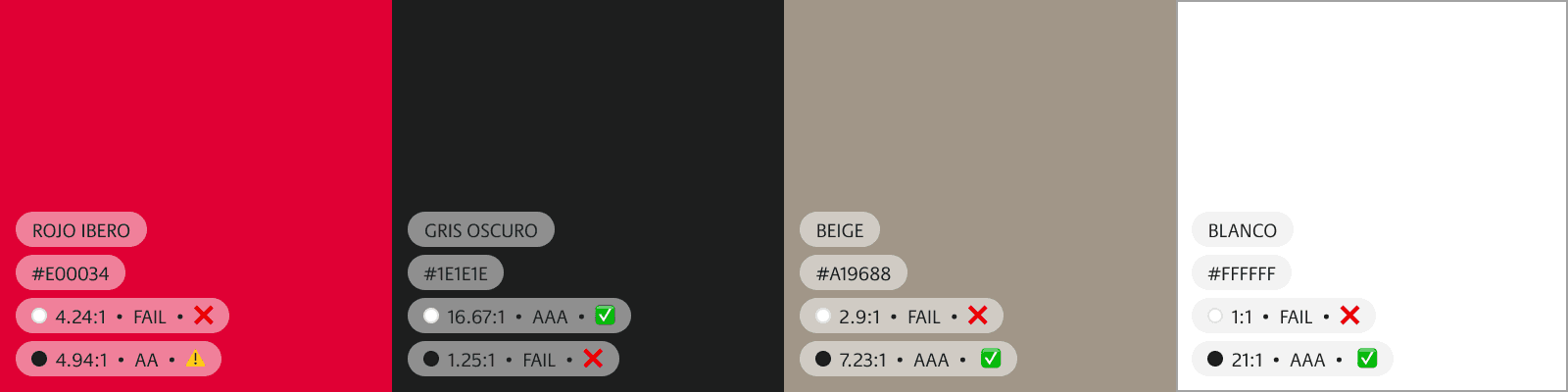
Many pages did not use IBERO’s official color palette and relied on multiple logo variations.
This inconsistency made users unsure whether they were still navigating official IBERO content, directly affecting trust and confidence.
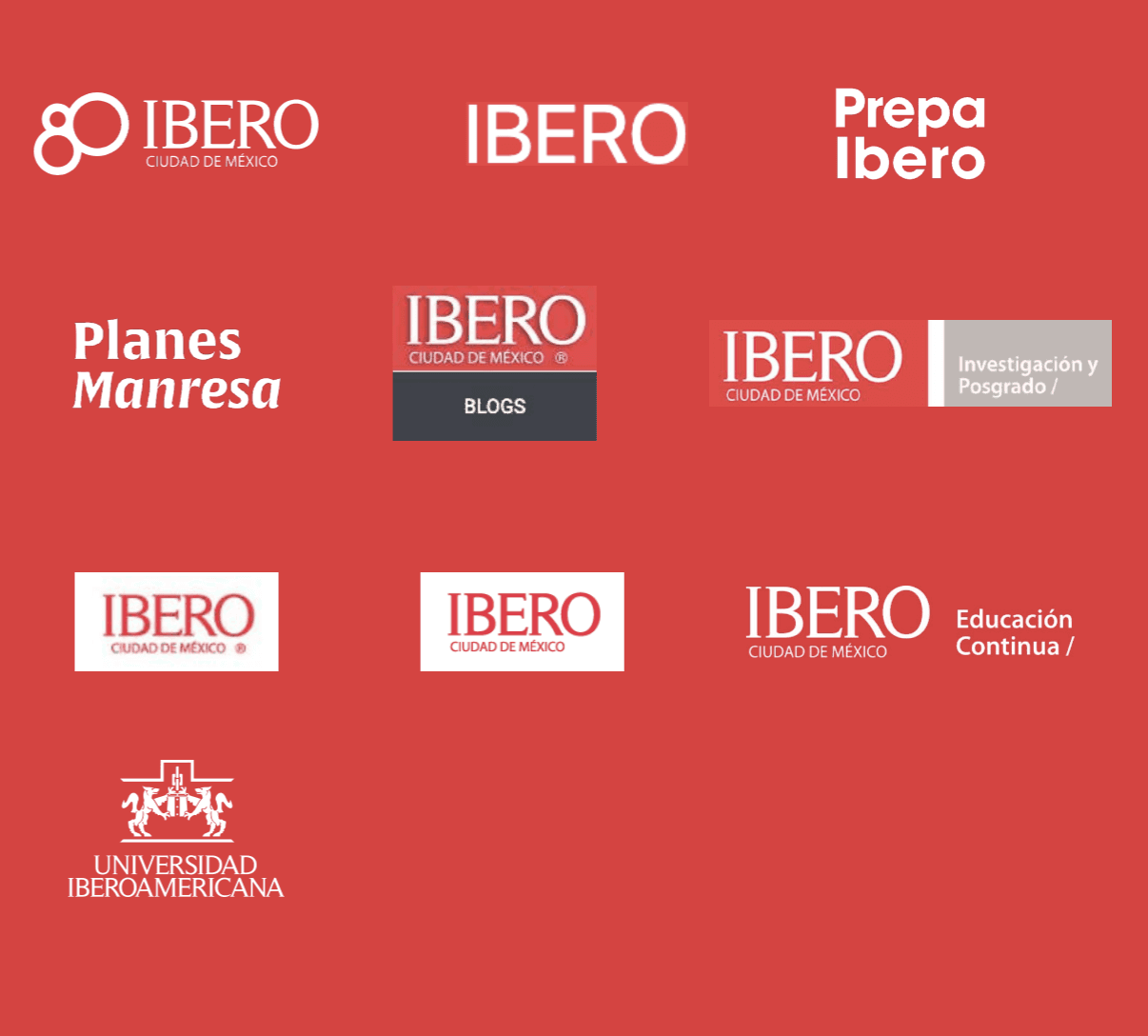
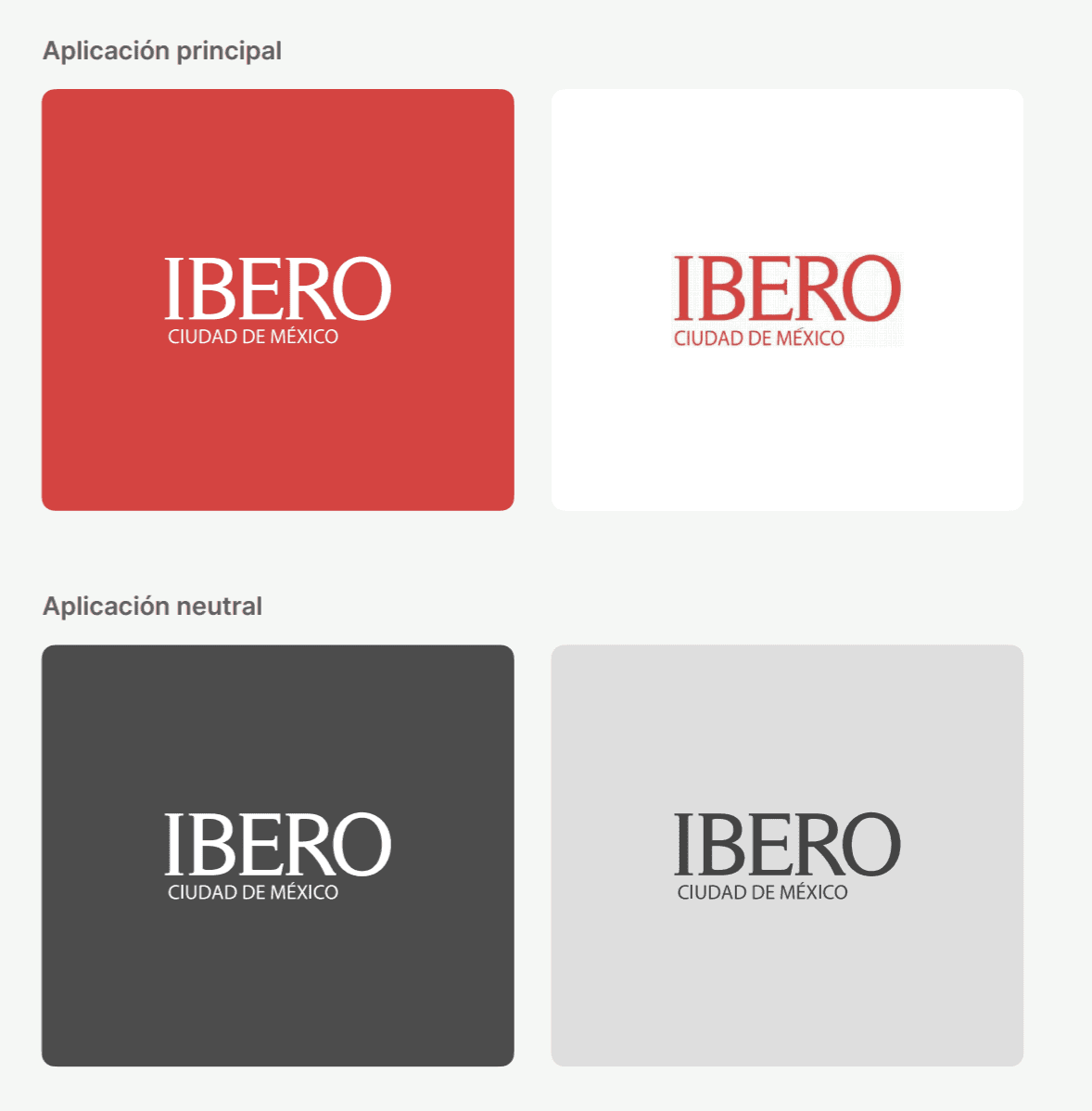
UI decision:
We standardized color usage and logo placement across the entire ecosystem, defining strict rules for:
primary and secondary brand colors
logo variants and minimum clear space
where brand elements could (and could not) be modified
Low text legibility reduced comprehension
Several sections used small font sizes, low contrast, and dense paragraphs, especially in academic and legal content.
Users reported skipping content or misunderstanding key information.
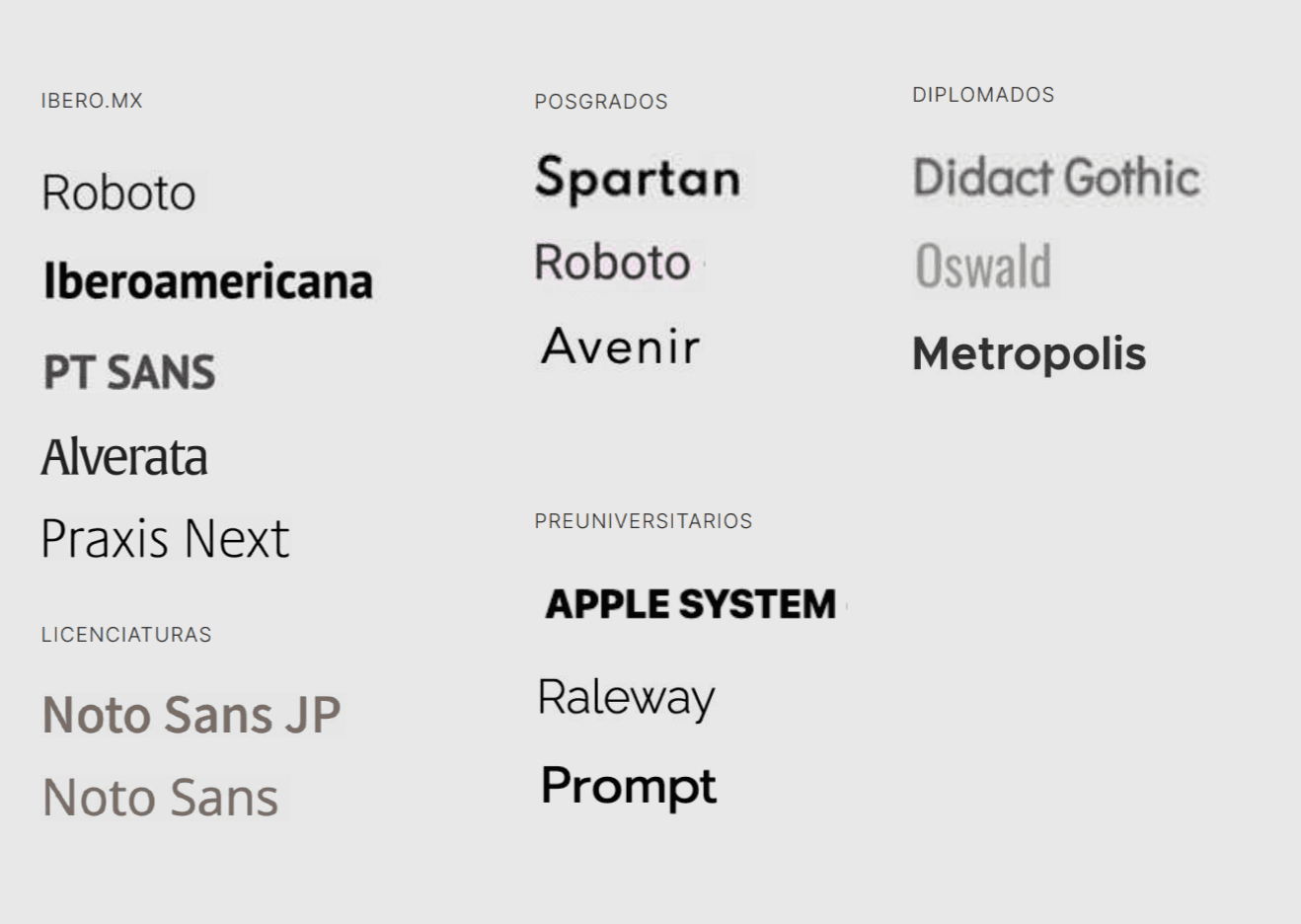
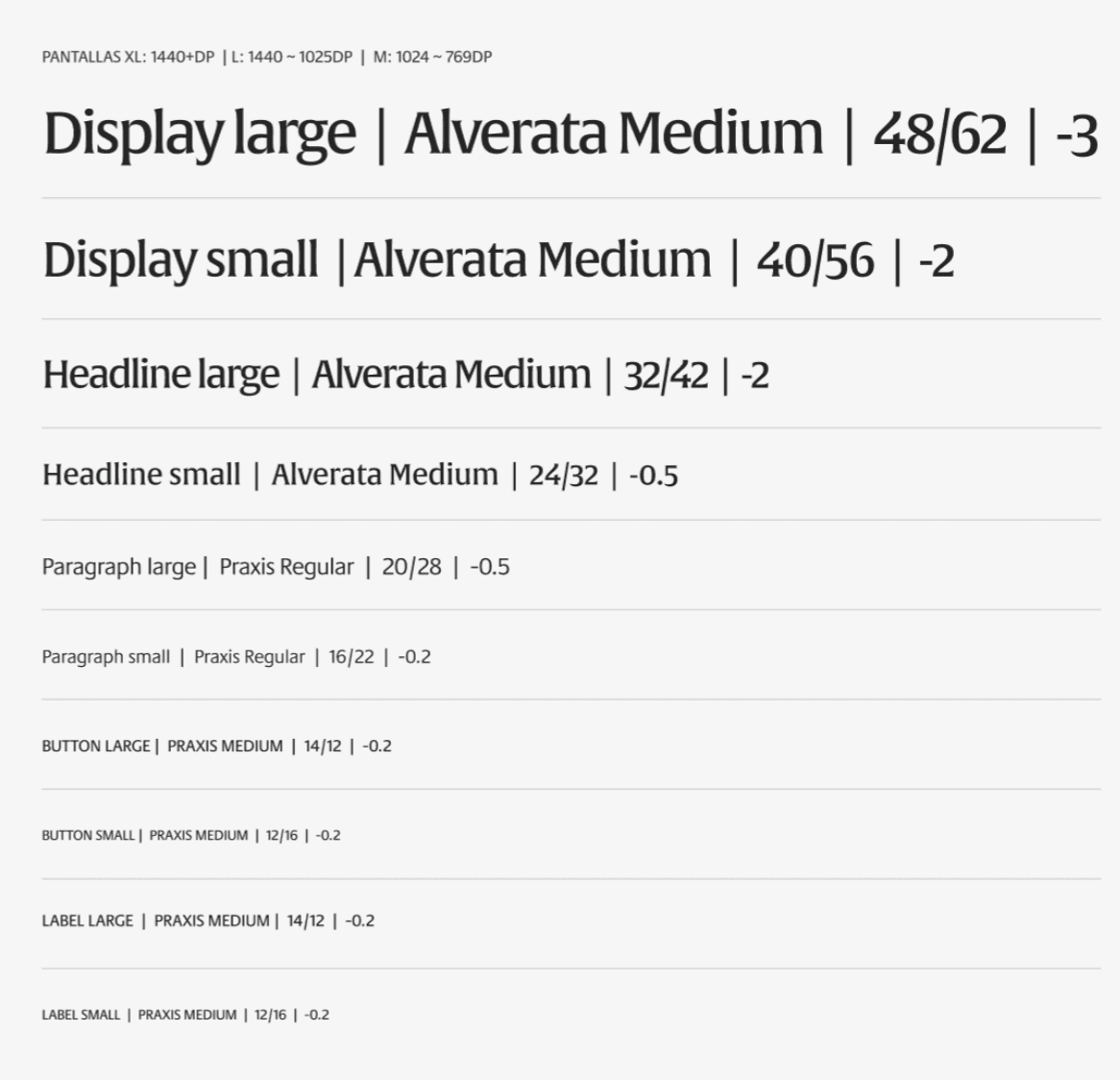
UI decision:
We introduced a clear typographic hierarchy with:
larger base font sizes
higher contrast ratios
shorter line lengths
content broken into scannable modules
Users struggled to understand degree costs
There was no clear or consistent way to find the cost of undergraduate programs.
Pricing information was either buried in PDFs or scattered across pages, forcing users to rely on external contact channels.



UI decision:
We designed dedicated, reusable UI patterns to surface cost-related information:
clear entry points from degree pages
structured content blocks instead of static text
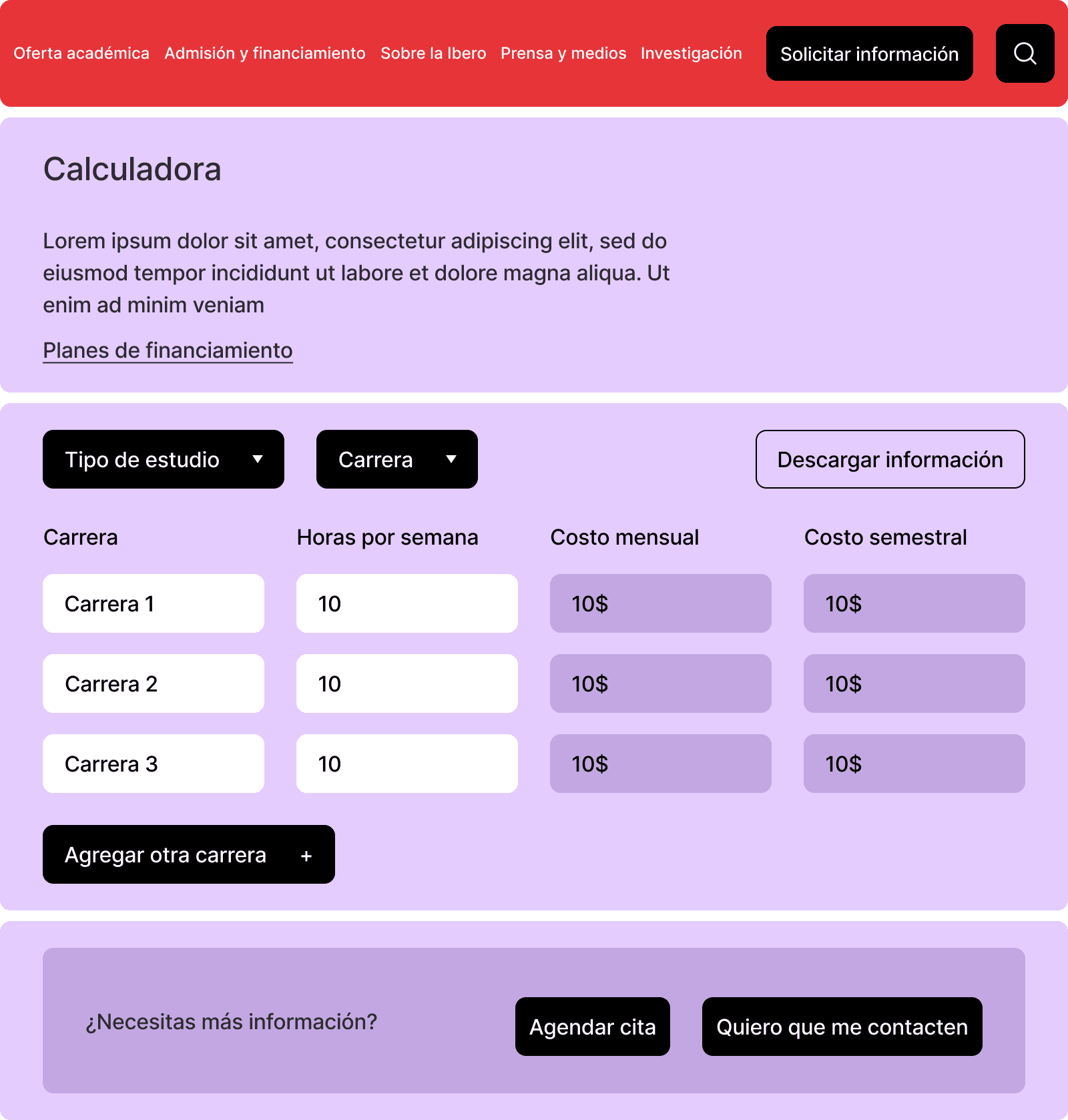
interactive tools (Cost Calculator) to support comparison and decision-making


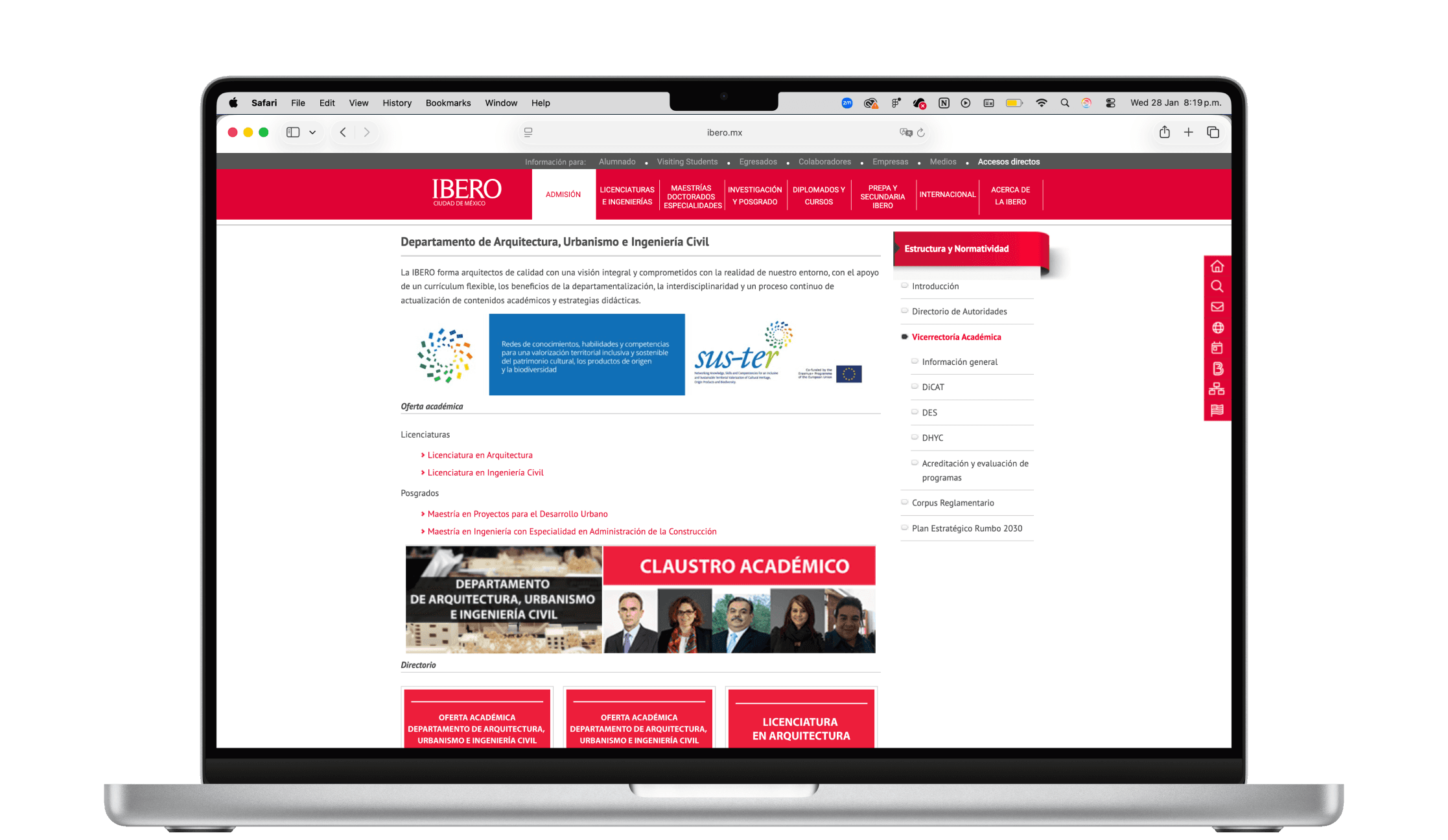
Information overload impacted decision-making
Pages attempted to communicate everything at once, resulting in cognitive overload and poor scanability.
UI decision:
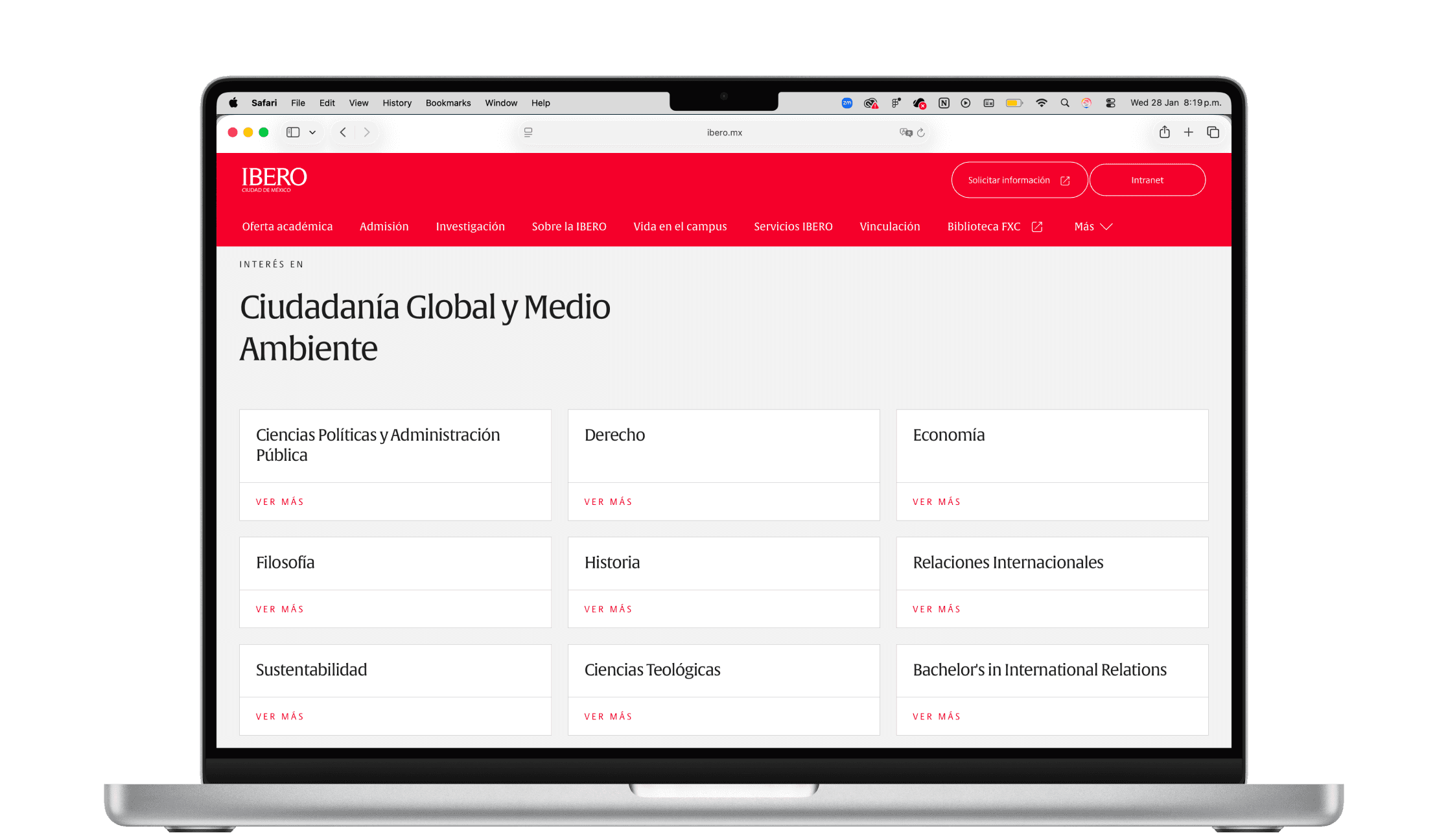
We prioritized progressive disclosure through:
collapsible sections
card-based layouts
consistent placement of primary actions
Information architecture & Wireframing
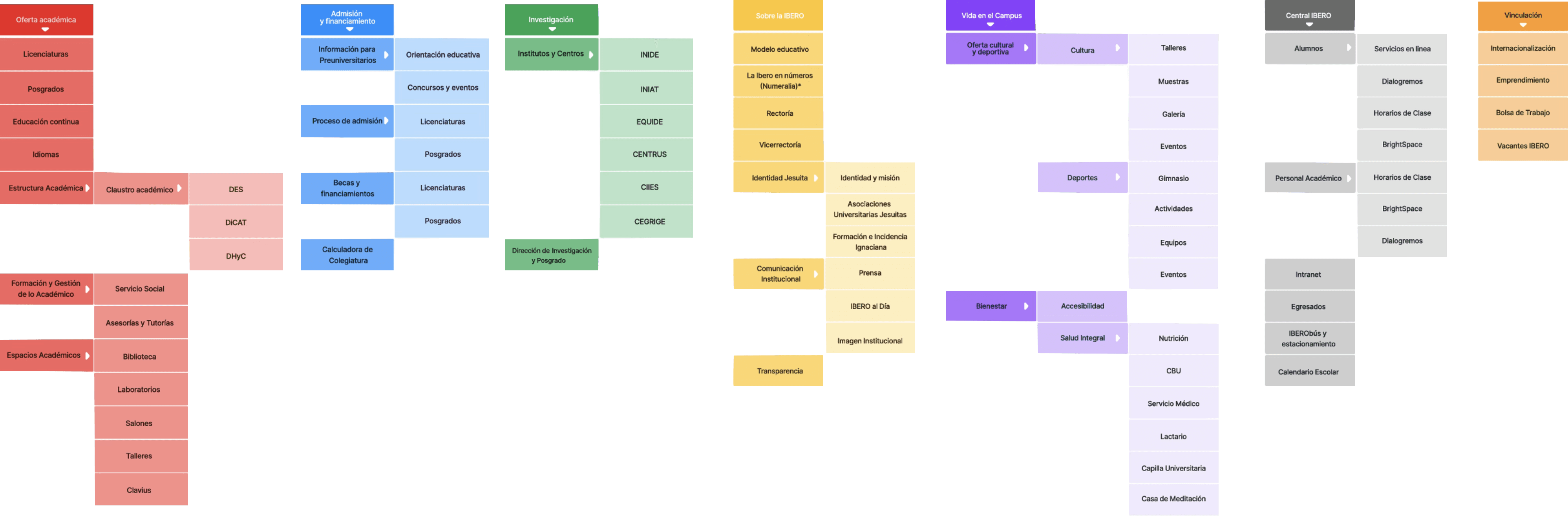
The new IA was designed to drive layout consistency, not just navigation.
Key UI-related decisions:
Limited depth to reduce cognitive load
Reuse the same page structures across sections
Standardize entry points for high-intent actions
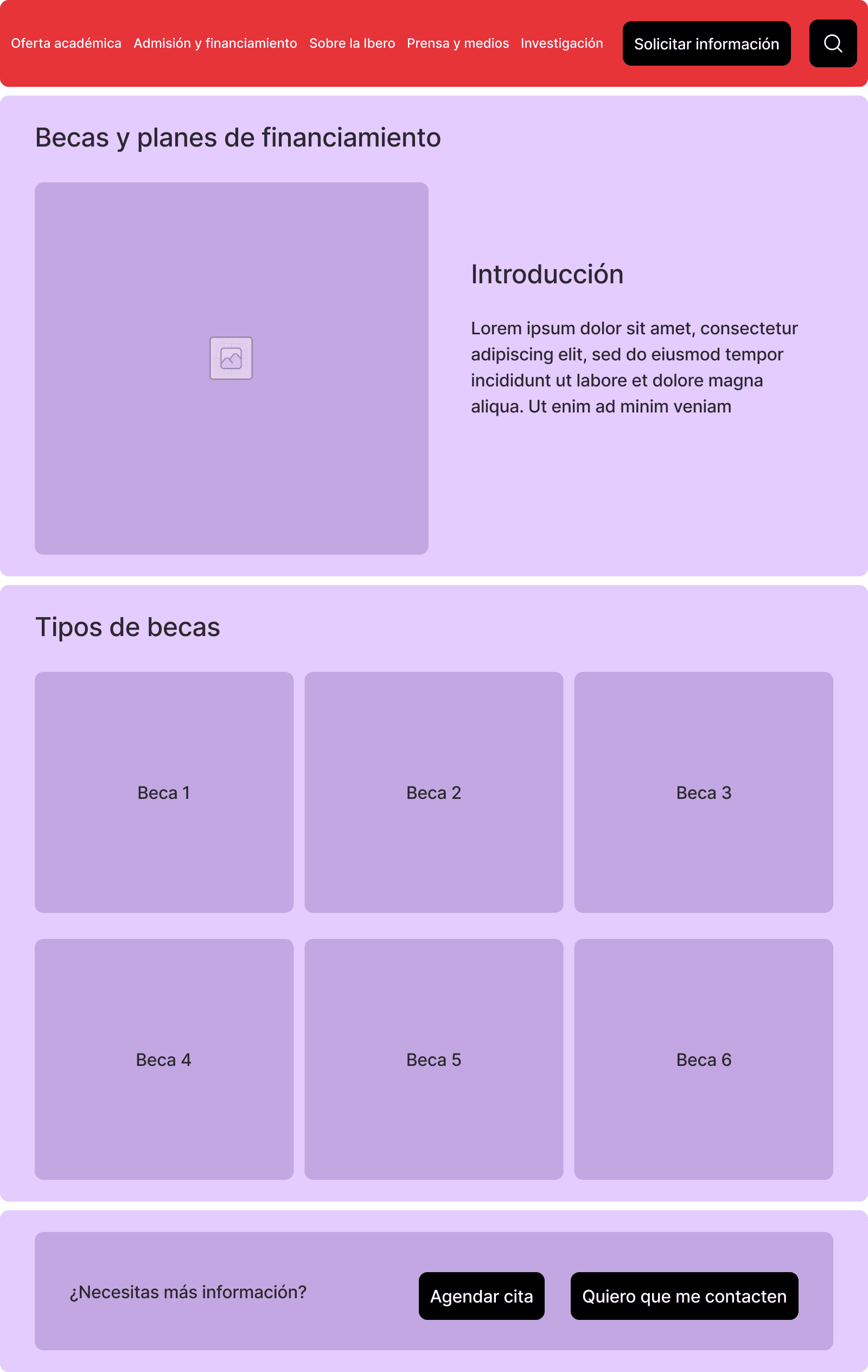
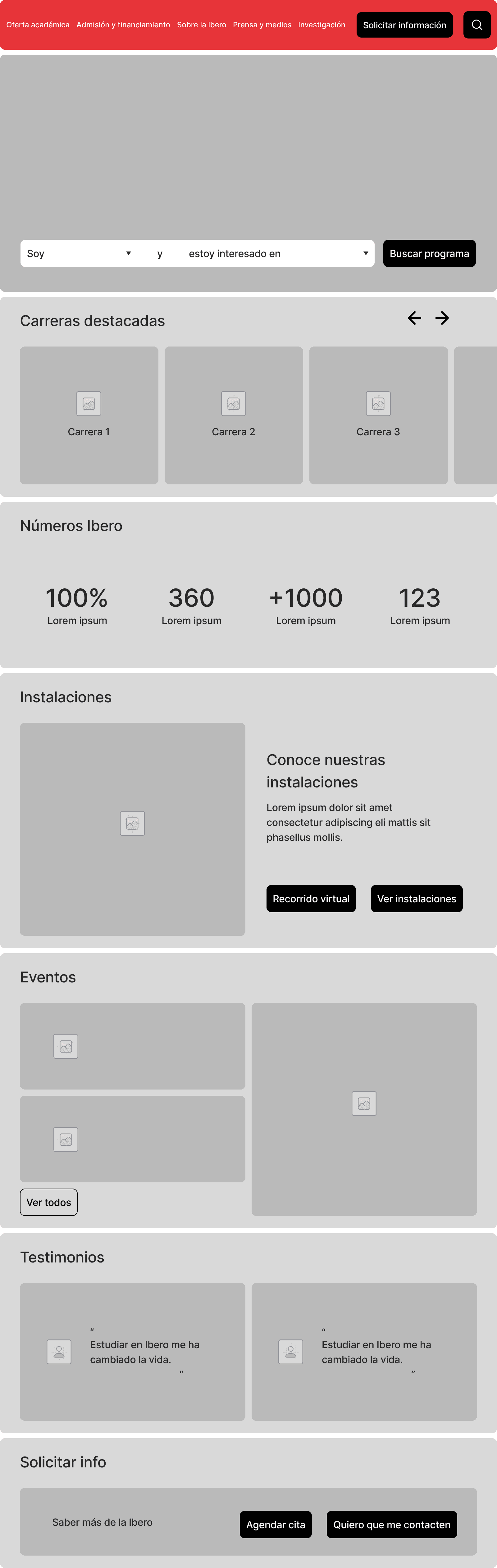
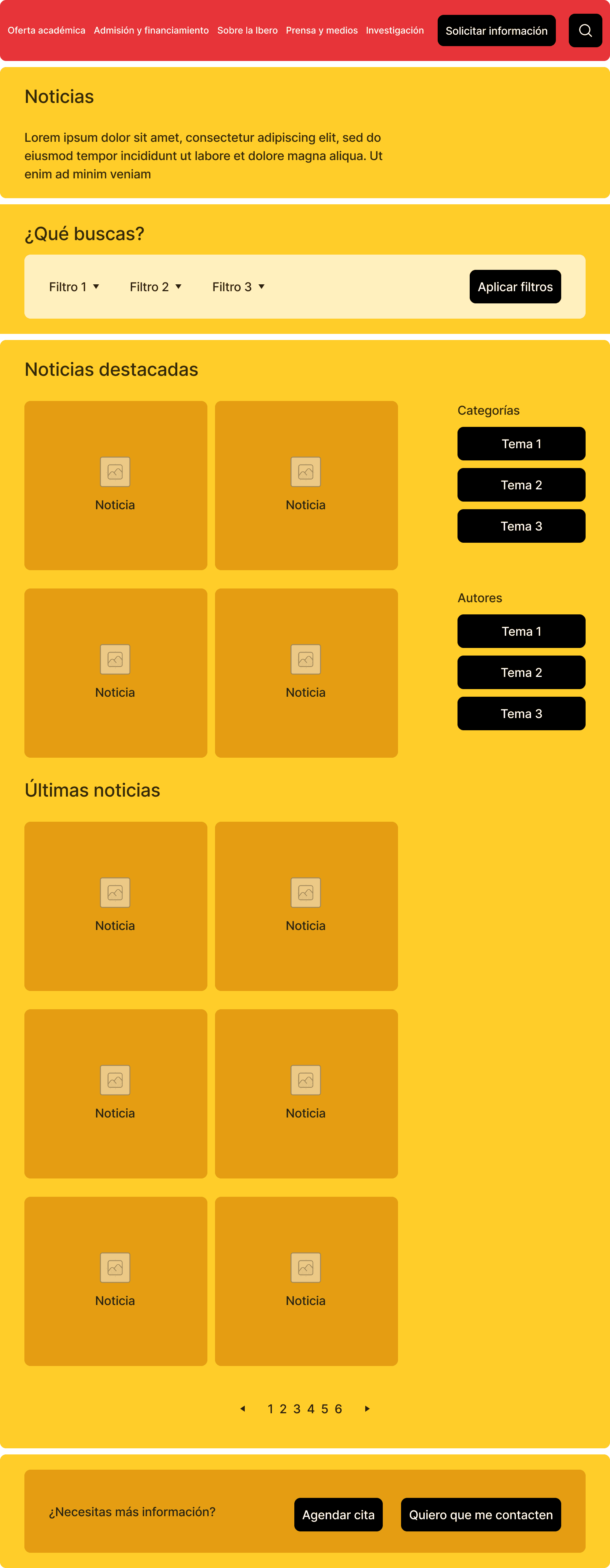
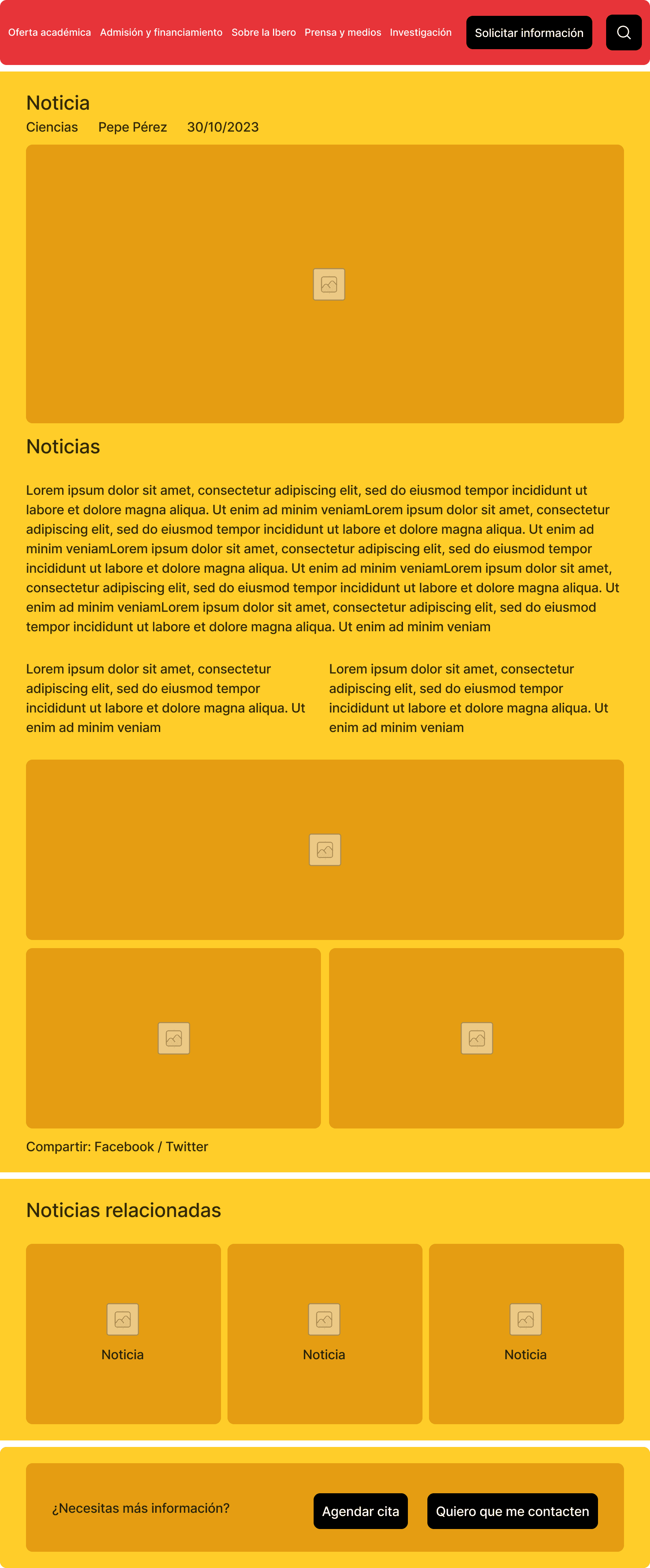
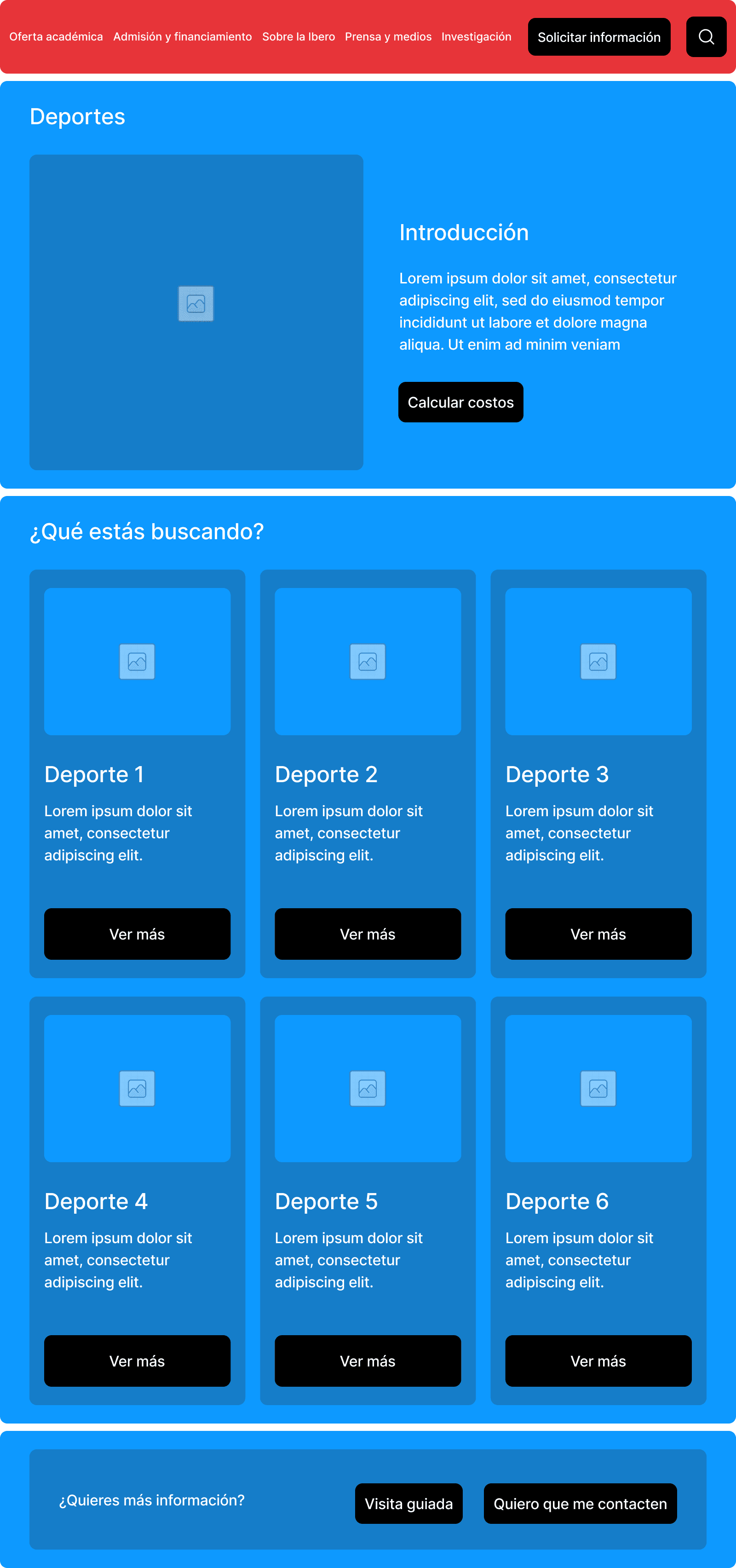
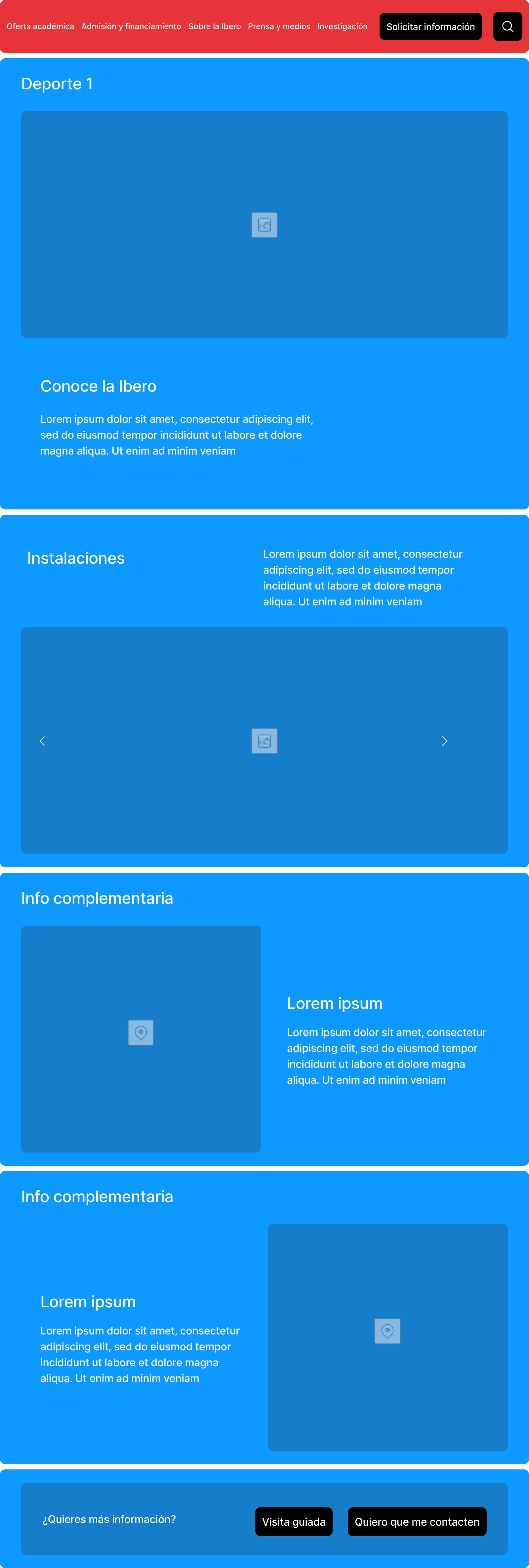
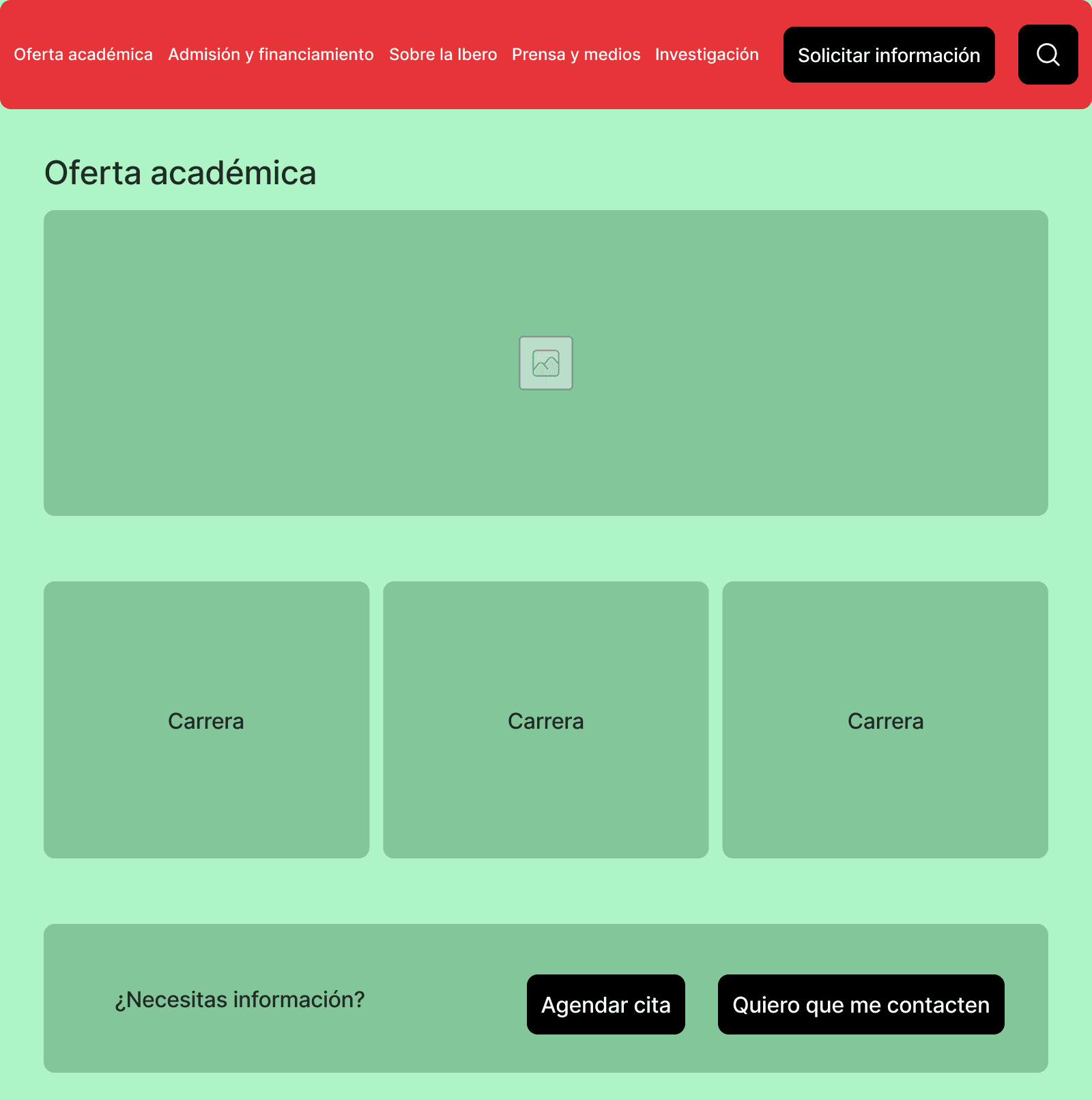
Wireframes focused on repeatable layout logic, not page-by-page design.
Decisions included:
One primary content column with flexible secondary modules
Fixed placement for CTAs to improve predictability
Content-first layouts that adapt before decorative elements
Information Architecture
Wireframing

UI negotiations & trade-offs
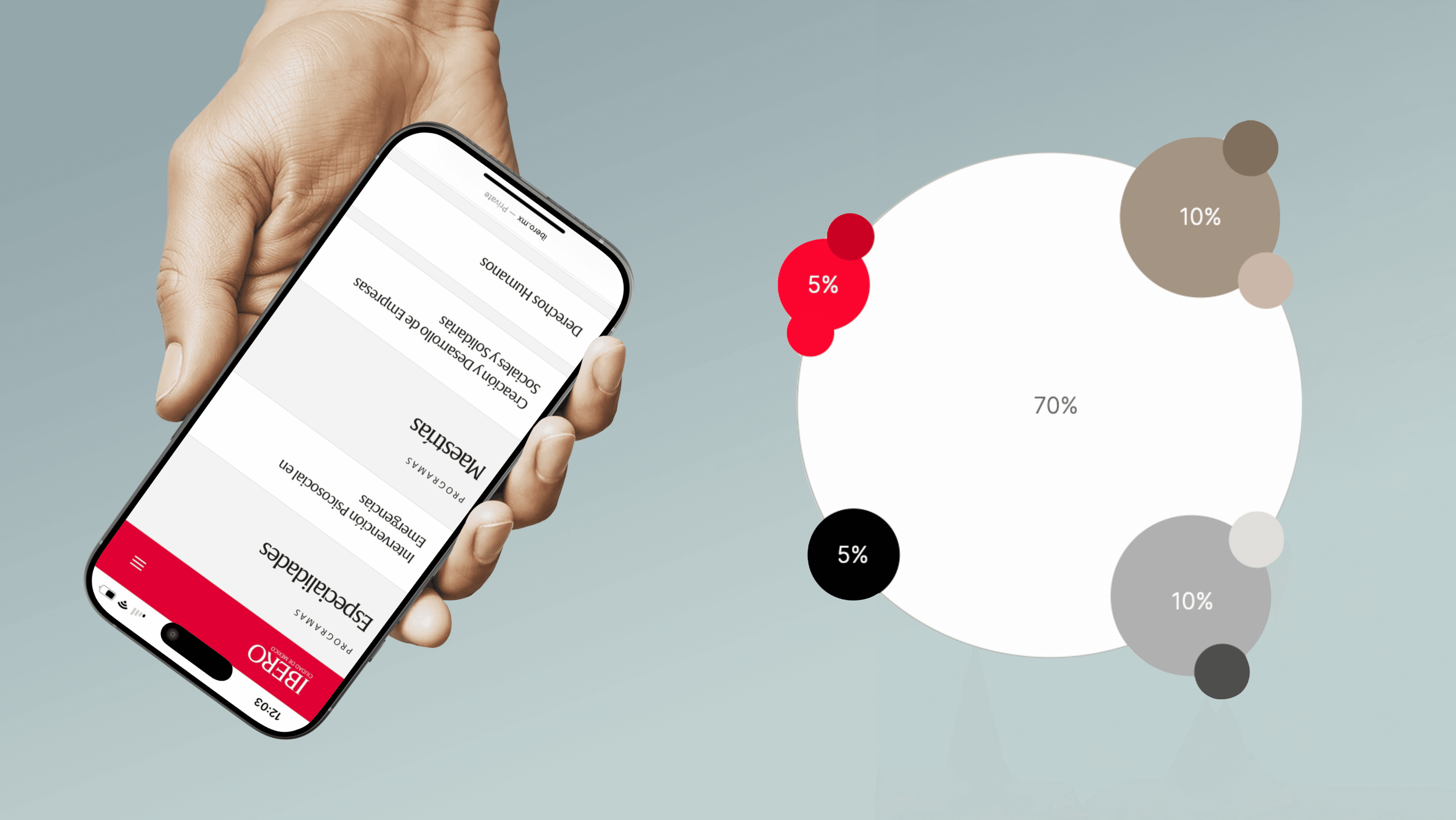
1. Branding vs readability
Negotiation
Brand stakeholders pushed for heavy use of institutional red.
UI decision
I advocated for limiting red to primary actions and key highlights, using neutral backgrounds elsewhere to protect readability and reduce visual fatigue.
2. Editorial freedom vs UI consistency
Negotiation
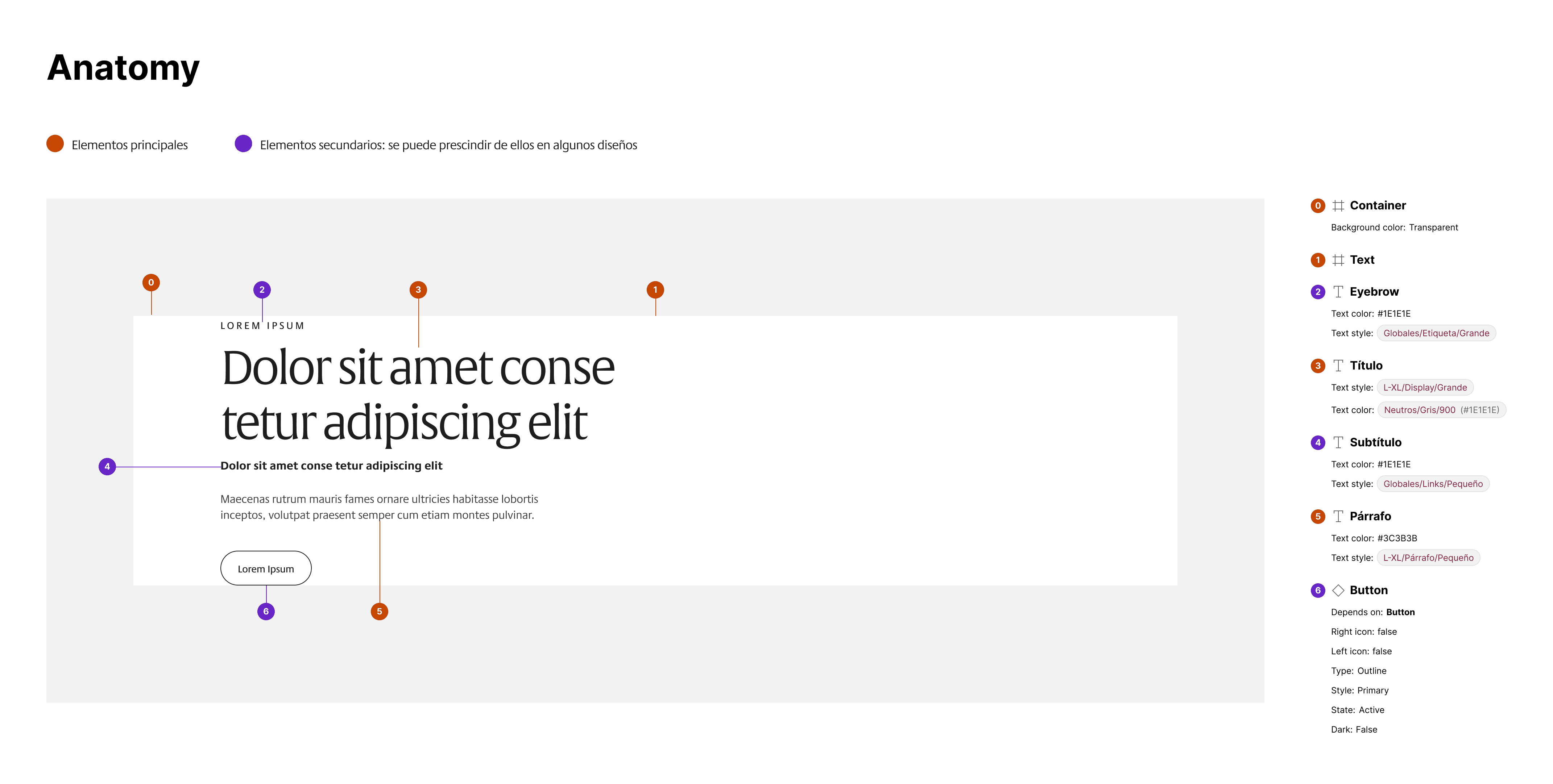
Content teams wanted full freedom to “build any page.”
UI decision
We designed configurable modules with optional and mandatory elements, allowing flexibility while preserving layout integrity.
3. Information density vs cognitive load
Negotiation
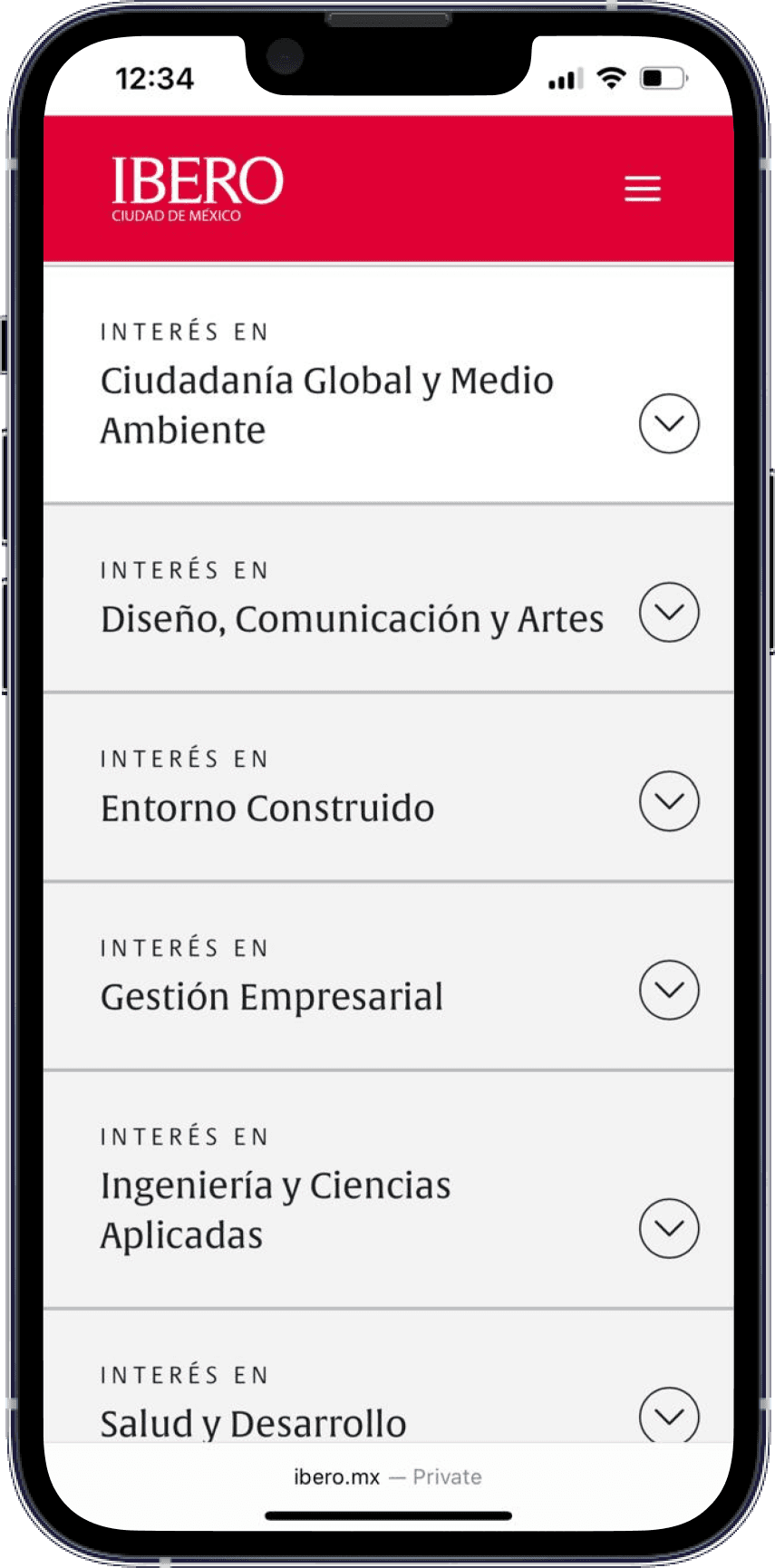
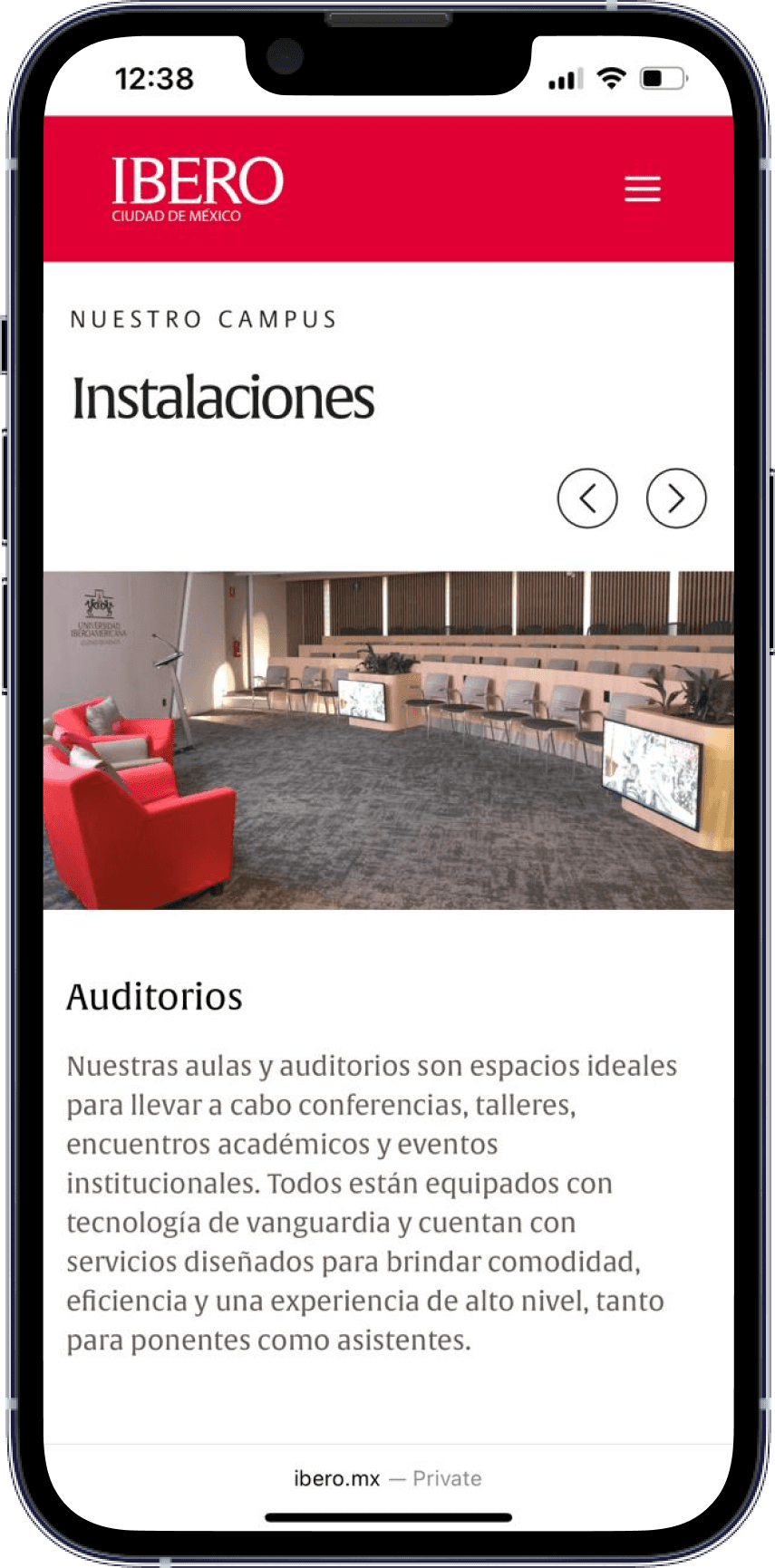
Academic teams wanted to show “everything at once.”
UI decision
We prioritized progressive disclosure using expandable sections and cards, arguing that discoverability improves when users are not overwhelmed.
Usability testing
We conducted 14 remote usability tests across different user profiles.
Key outcomes:
Improved navigation clarity
Refined content hierarchy and labeling
Adjusted UI components based on comprehension issues
Some applicants who had previously declined IBERO stated they would now reconsider enrolling.
“It’s a completely radical change. It’s much more pleasant and simpler—everything is better organized, and the page itself guides you to where you want to go.”
— Undergraduate applicant
“Having all the scholarship information and the calculator would have made me feel much closer to the university.”
— Undergraduate applicant
The Design System
The Academy design system was built to support content-heavy, long-lifecycle products. My involvement evolved over time:

My involvement
The Academy design system was designed as a governance tool, not just a UI library.
While senior UI designers refined visual details, I focused on the system’s structural integrity:
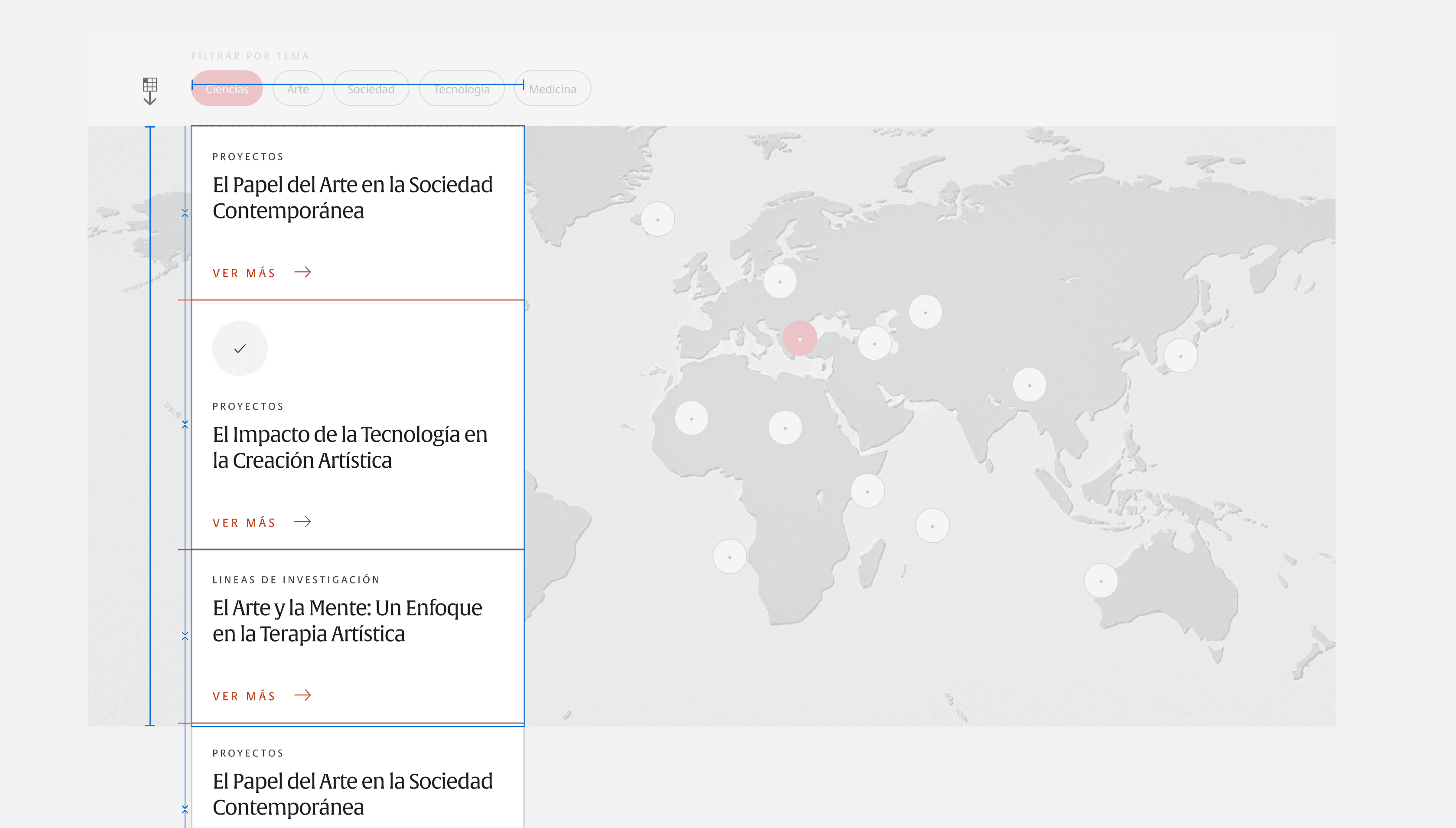
defining layout constraints and component rules
documenting when flexibility was allowed—and when it wasn’t
ensuring components could support real editorial workflows without breaking the interface
Several design discussions required negotiating between:
visual expressiveness vs consistency
editorial freedom vs system stability
short-term delivery vs long-term maintainability
These negotiations resulted in a system that empowered teams to publish content independently while preserving a cohesive, predictable UI.
A Snippet of Academy
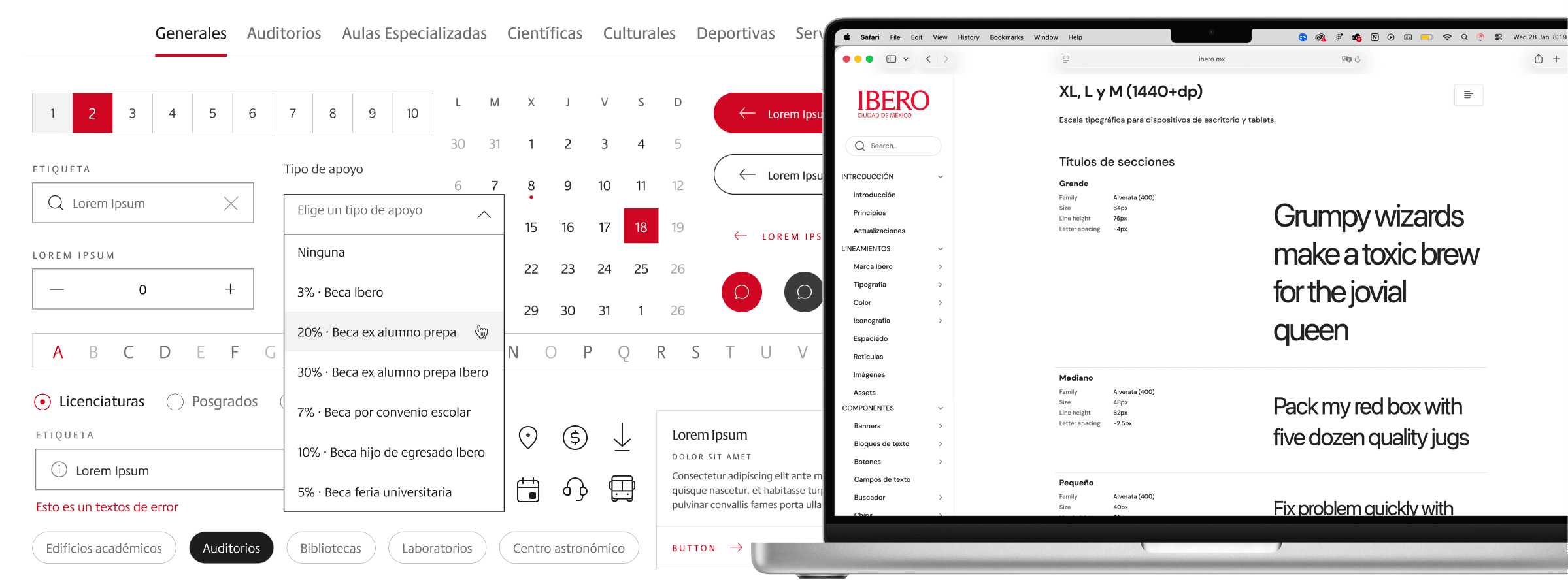
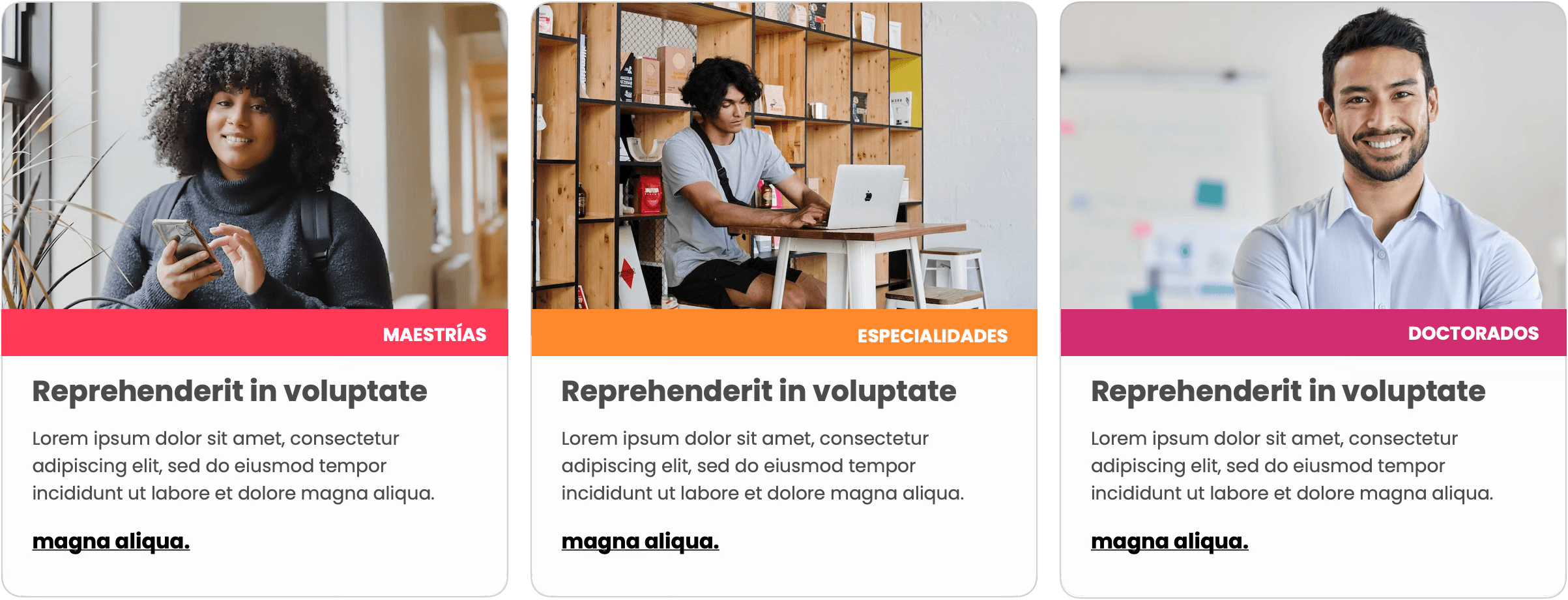
Academic program color system
Undergraduate programs
Core brand palette

Graduate & postgraduate programs
Secondary palette
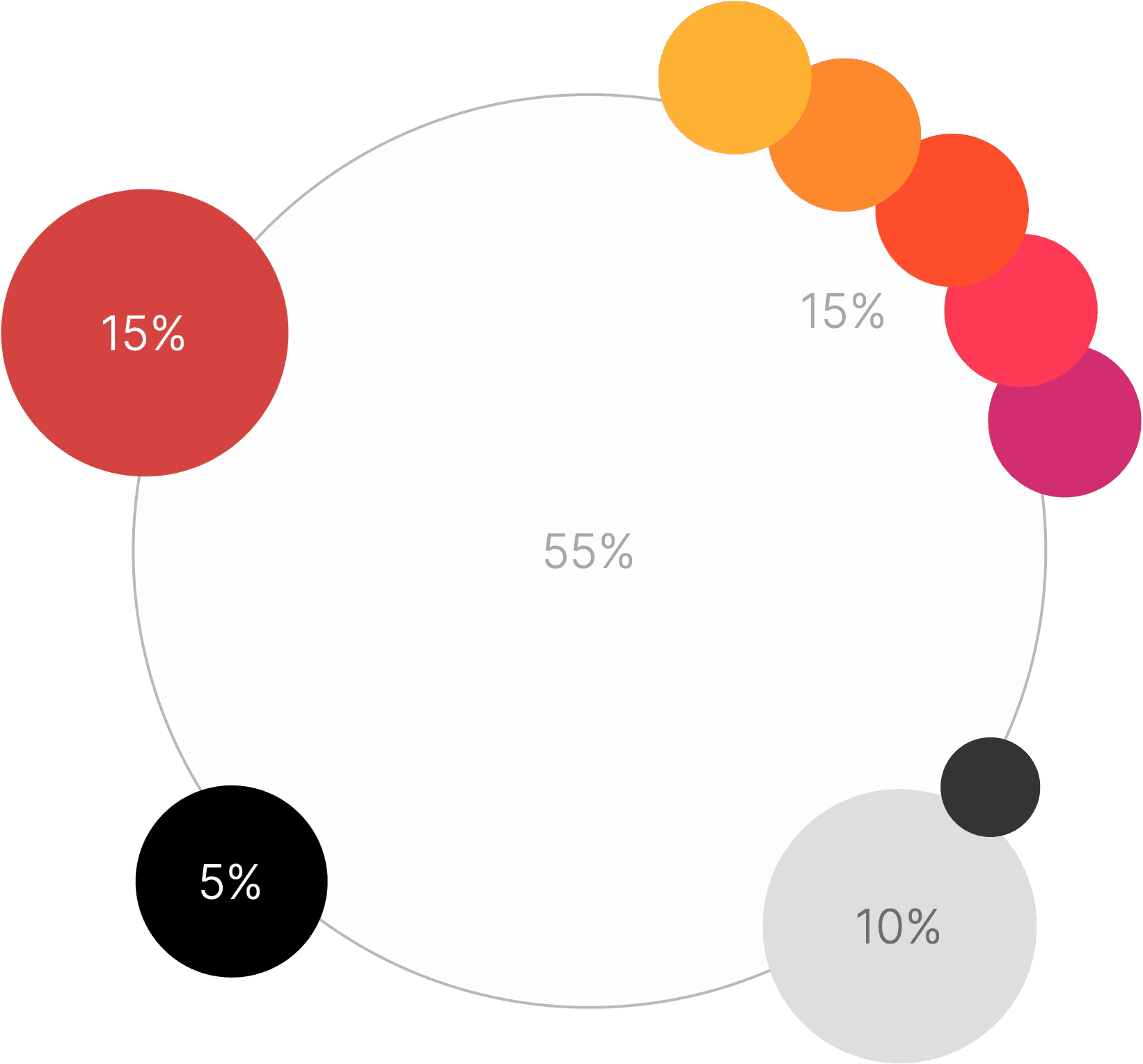
Core brand palette
Secondary palette
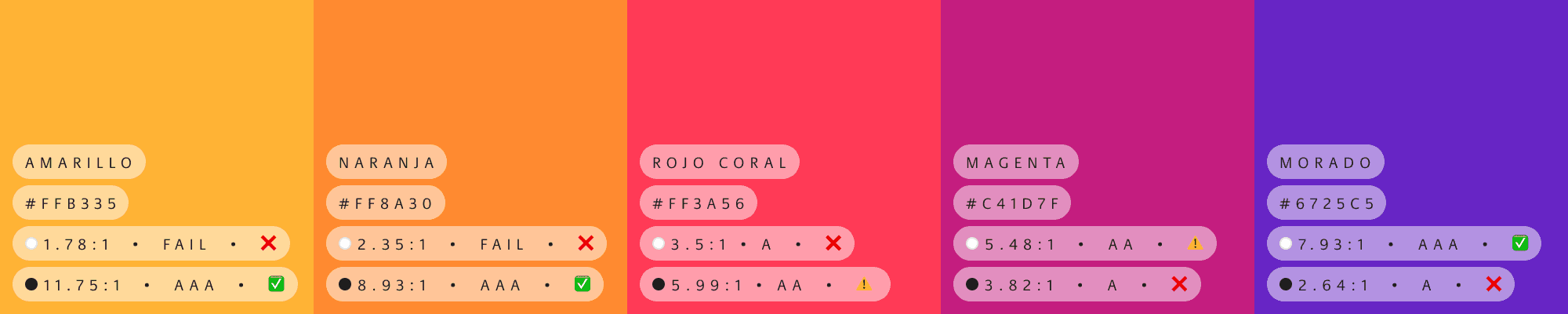
Coral Red

Orange

Magenta

Purple

Beige

Gray

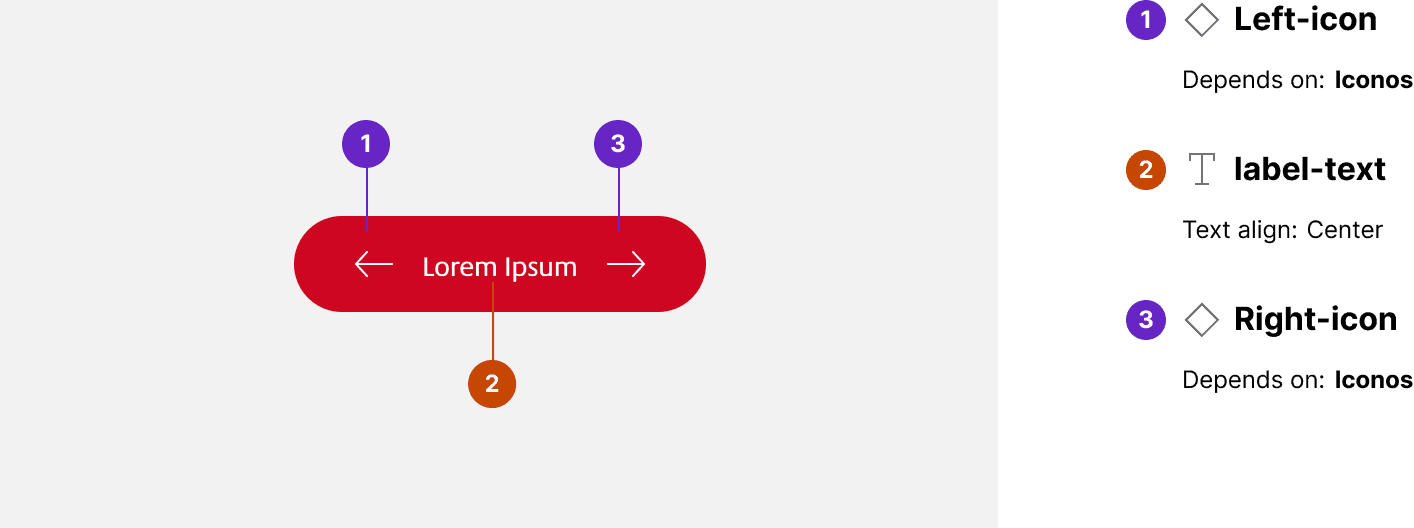
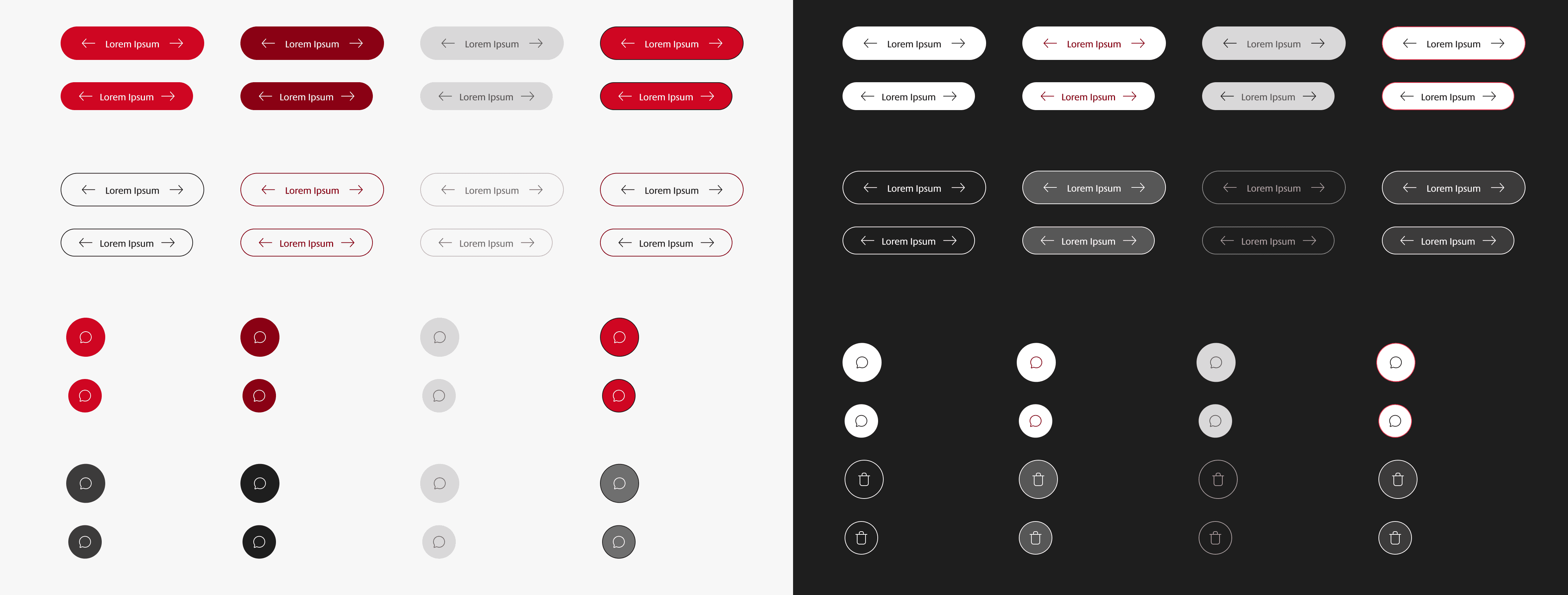
Buttons
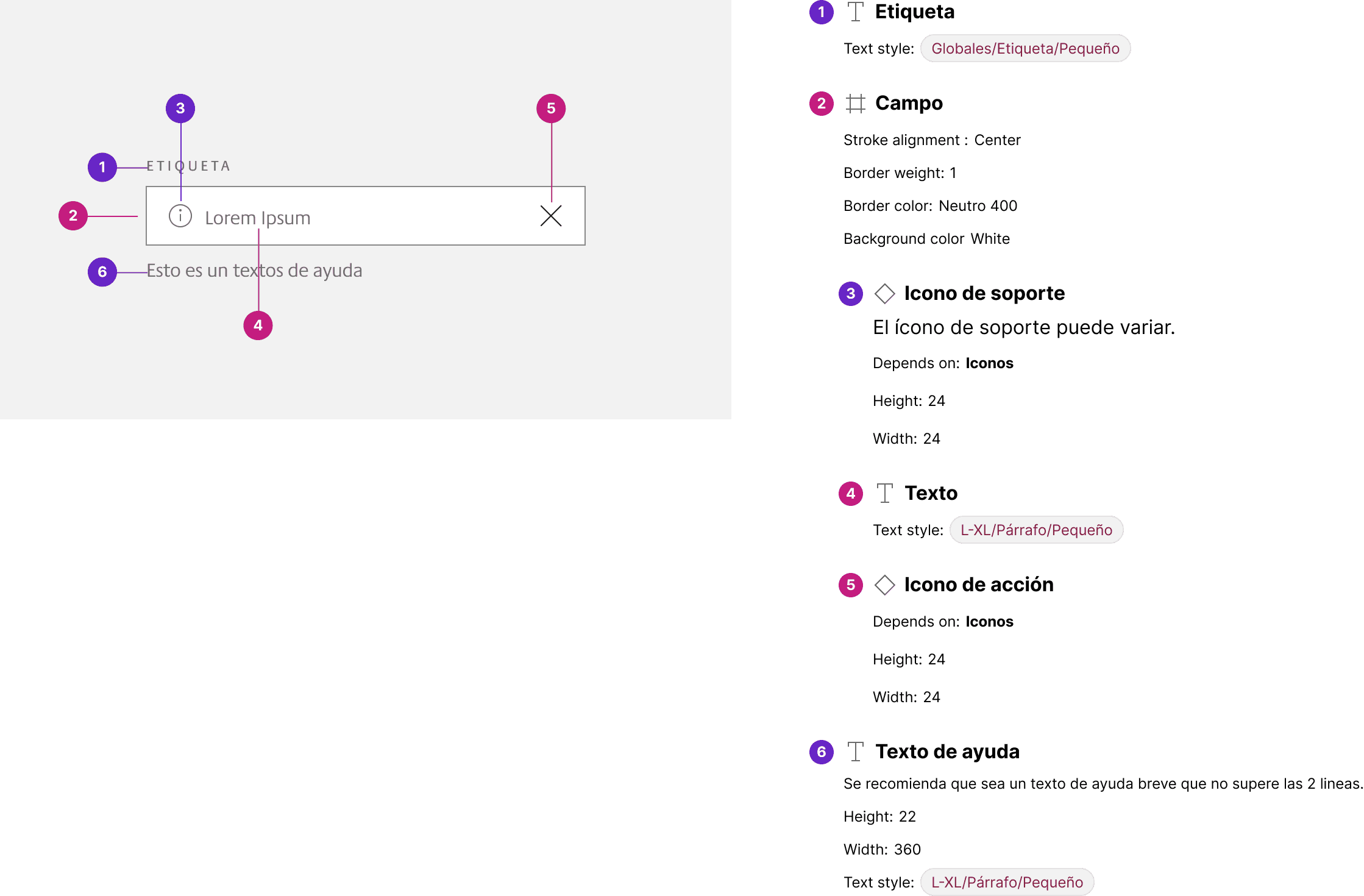
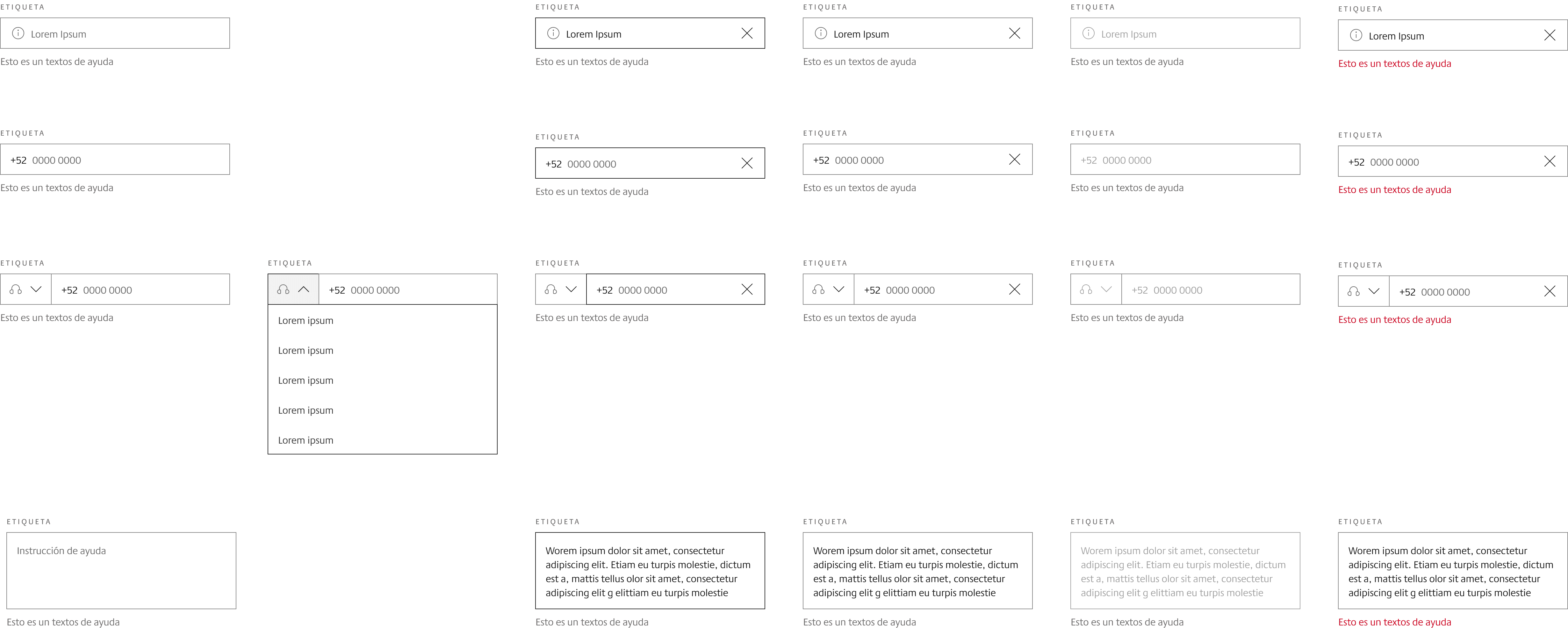
Text Input
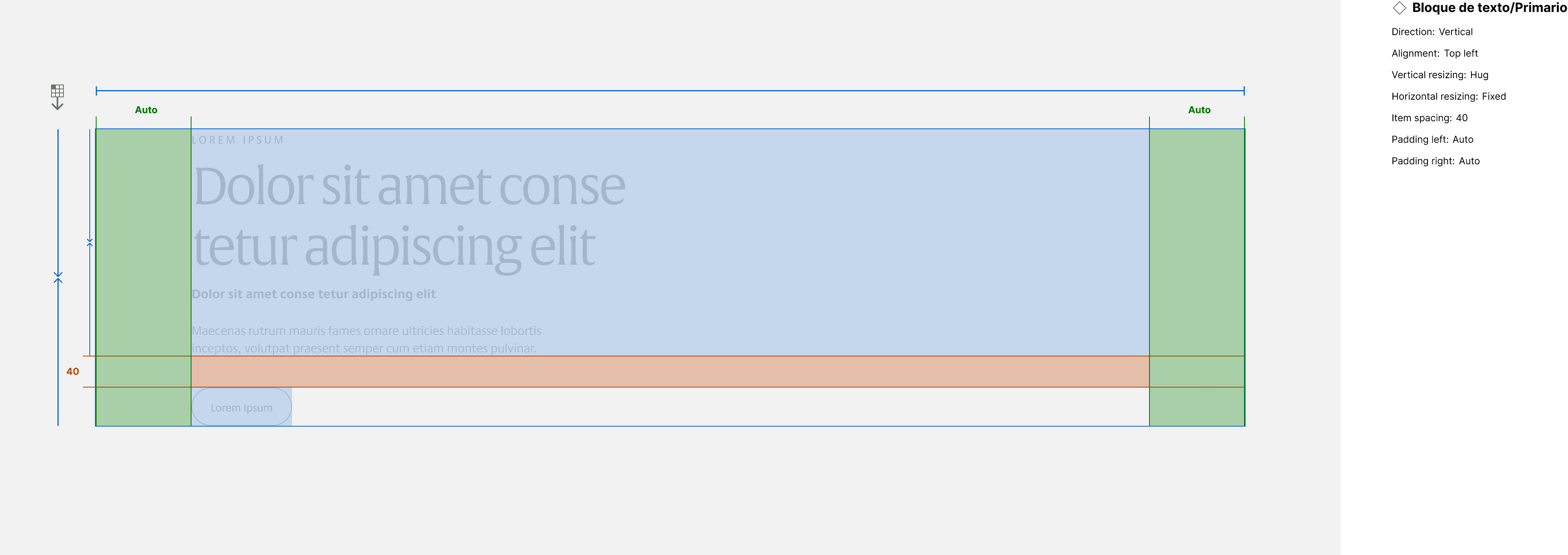
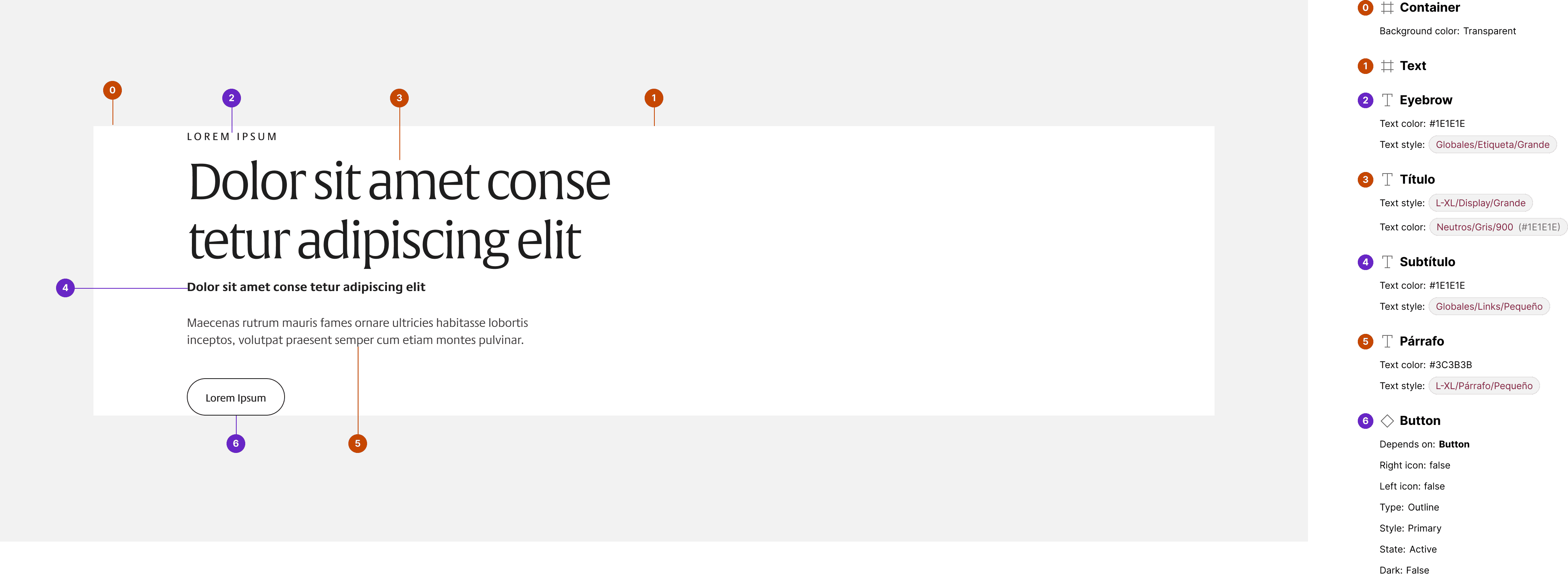
Primary text block
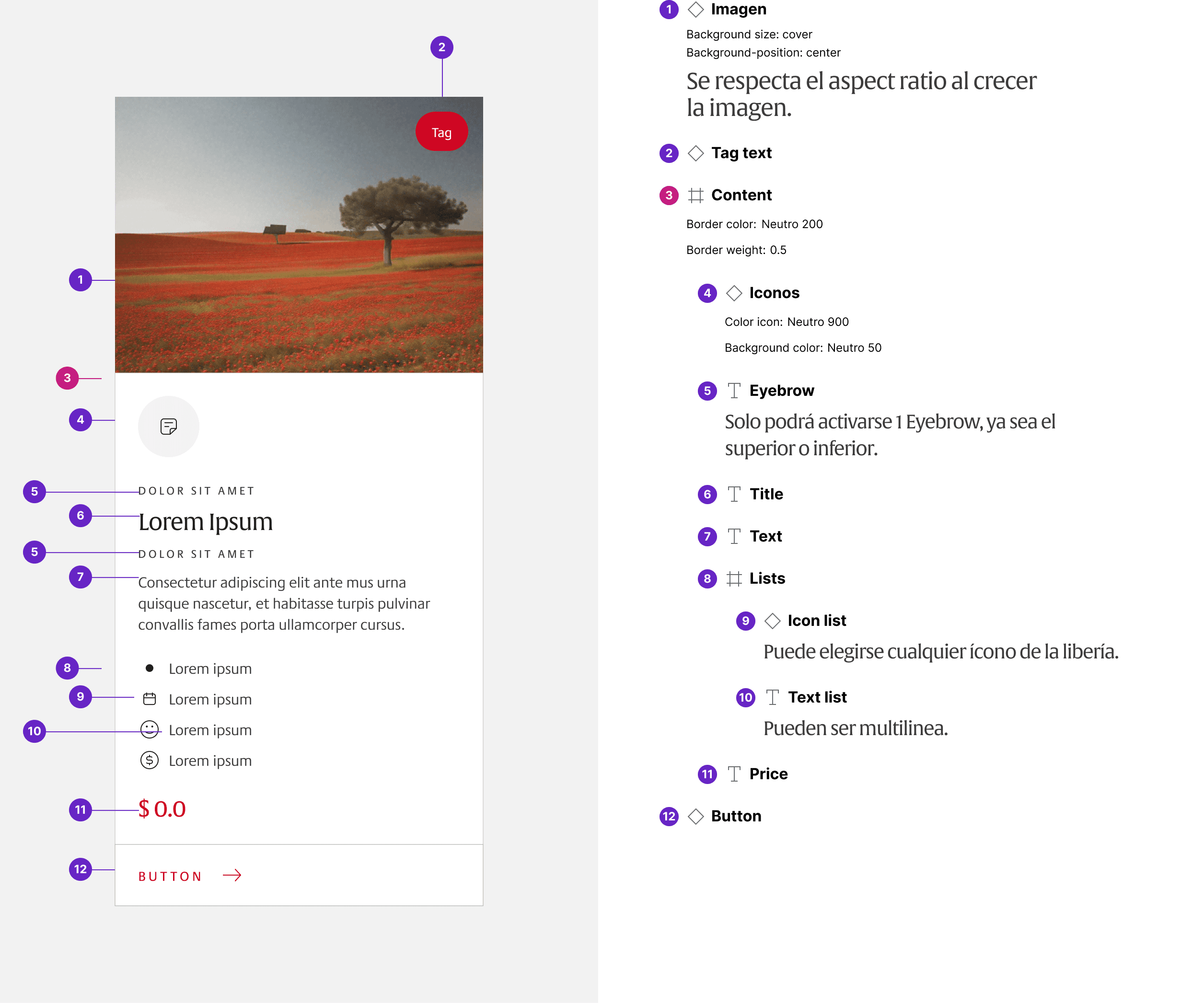
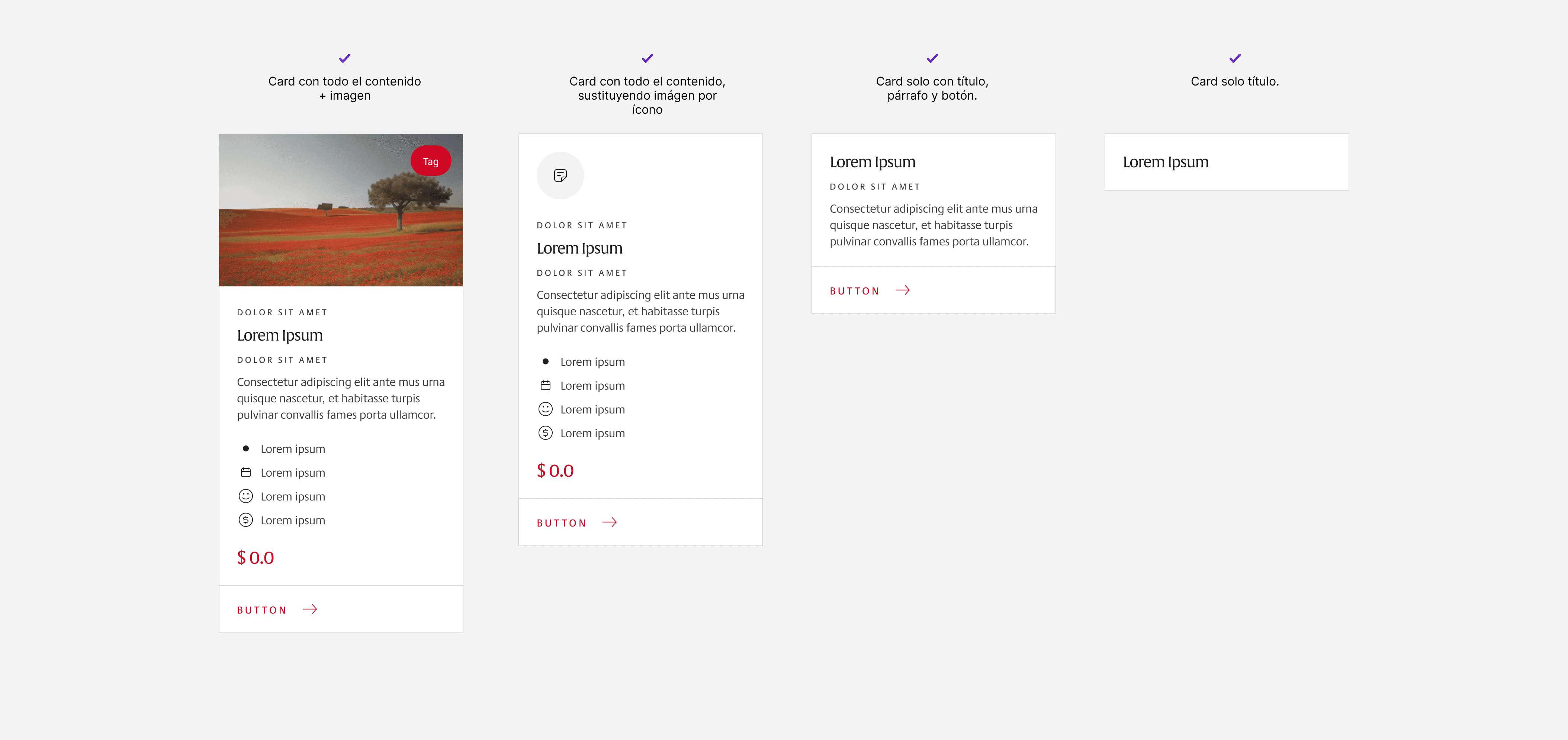
Cards
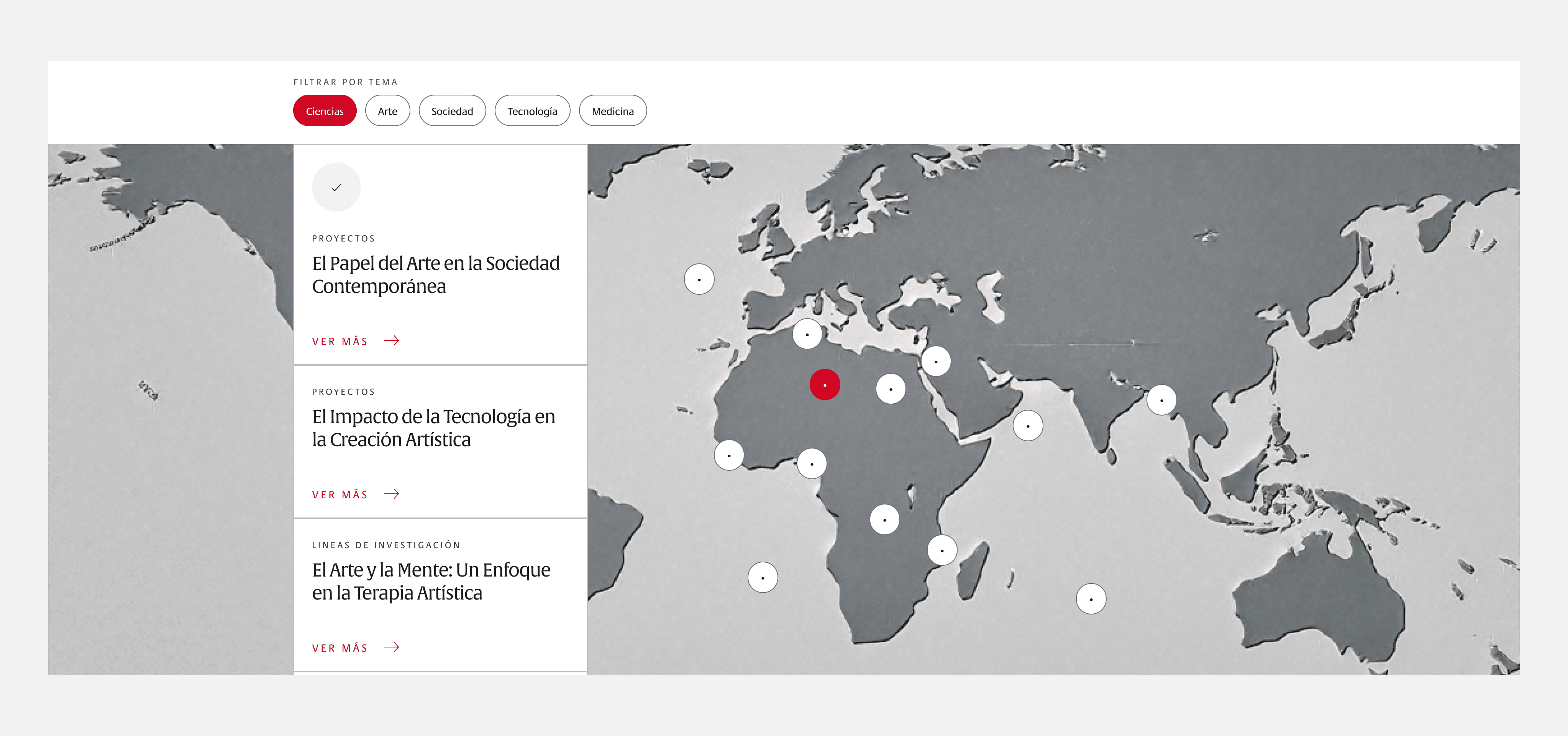
Interactive Map


Outcome
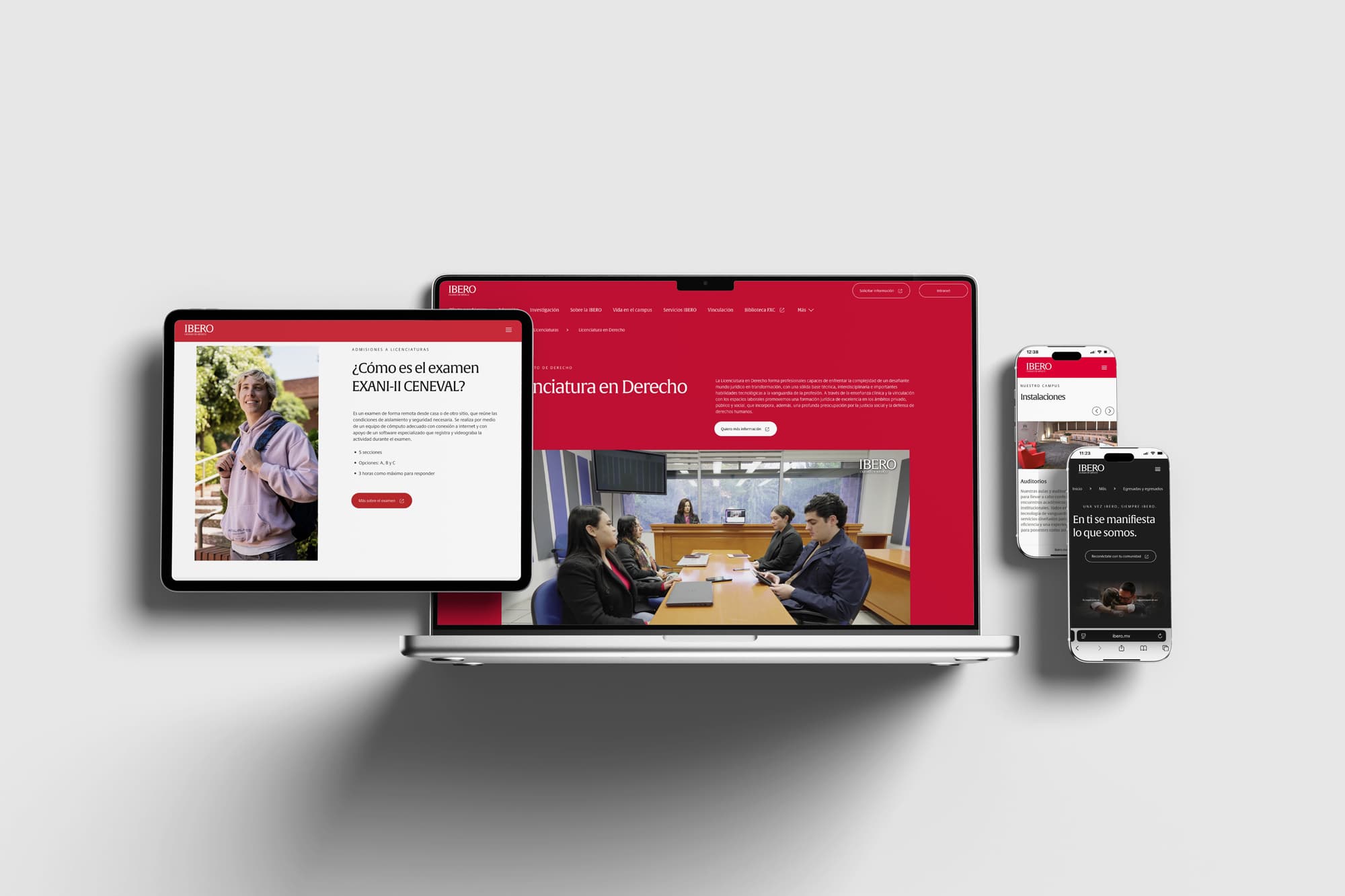
A scalable UI system supporting multiple teams and products

Unified a fragmented digital experience into a scalable, system-driven UI.

Improved trust and decision-making through clearer hierarchy, legibility, and brand consistency.

Enabled multiple teams to publish and evolve content independently without breaking the interface
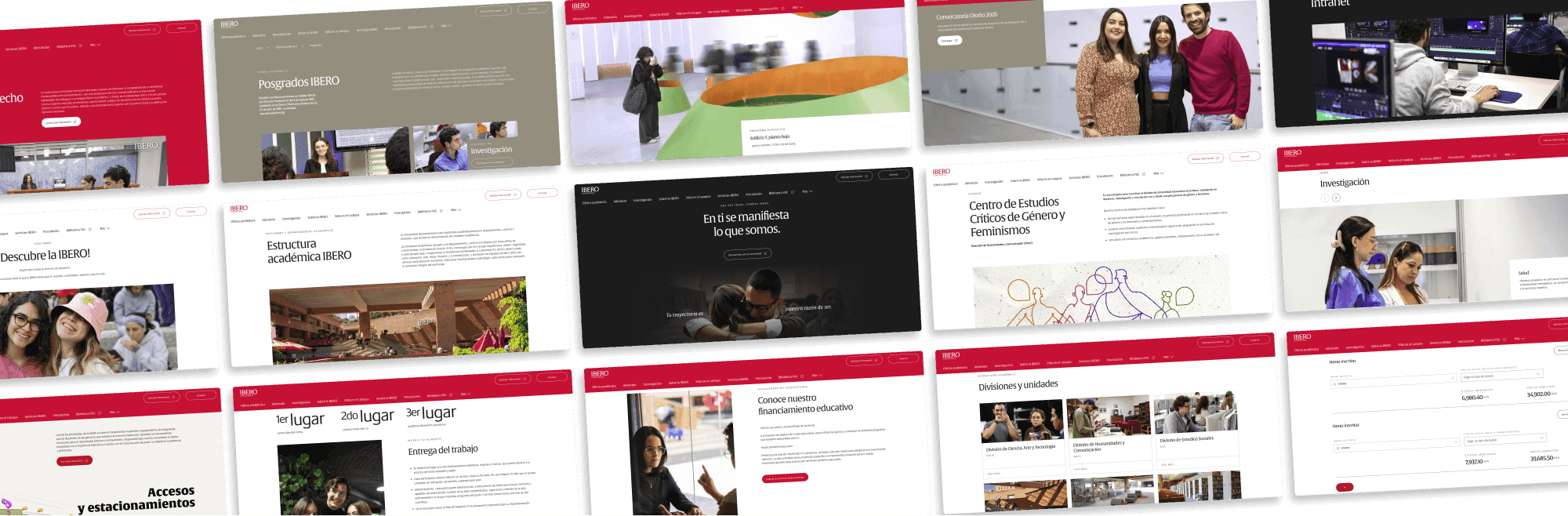
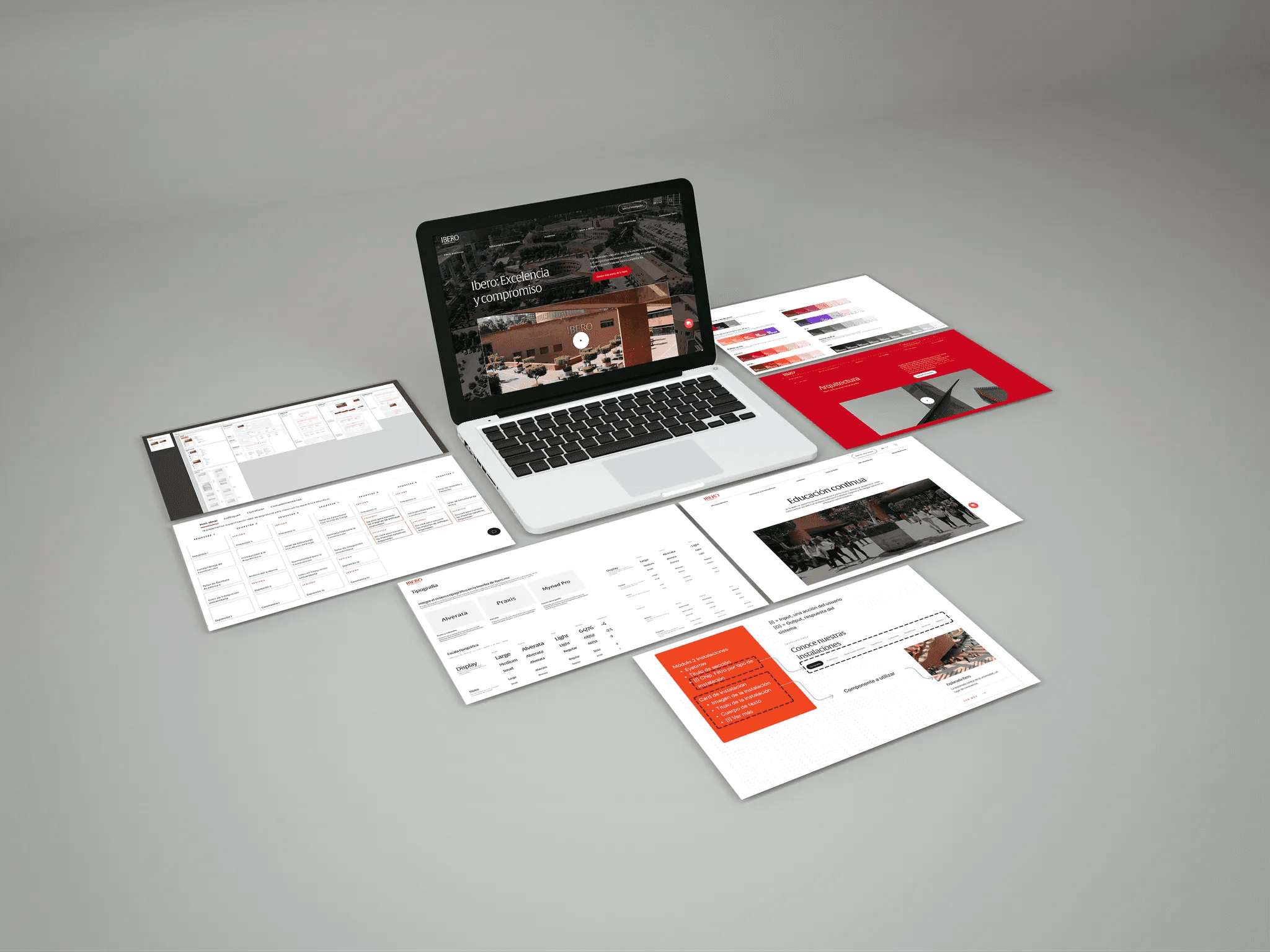
The website launched in January 2026:
Reflection
This project significantly strengthened my experience in:
large-scale user research
complex information architecture
content design and UX writing
cross-team collaboration
digital product governance